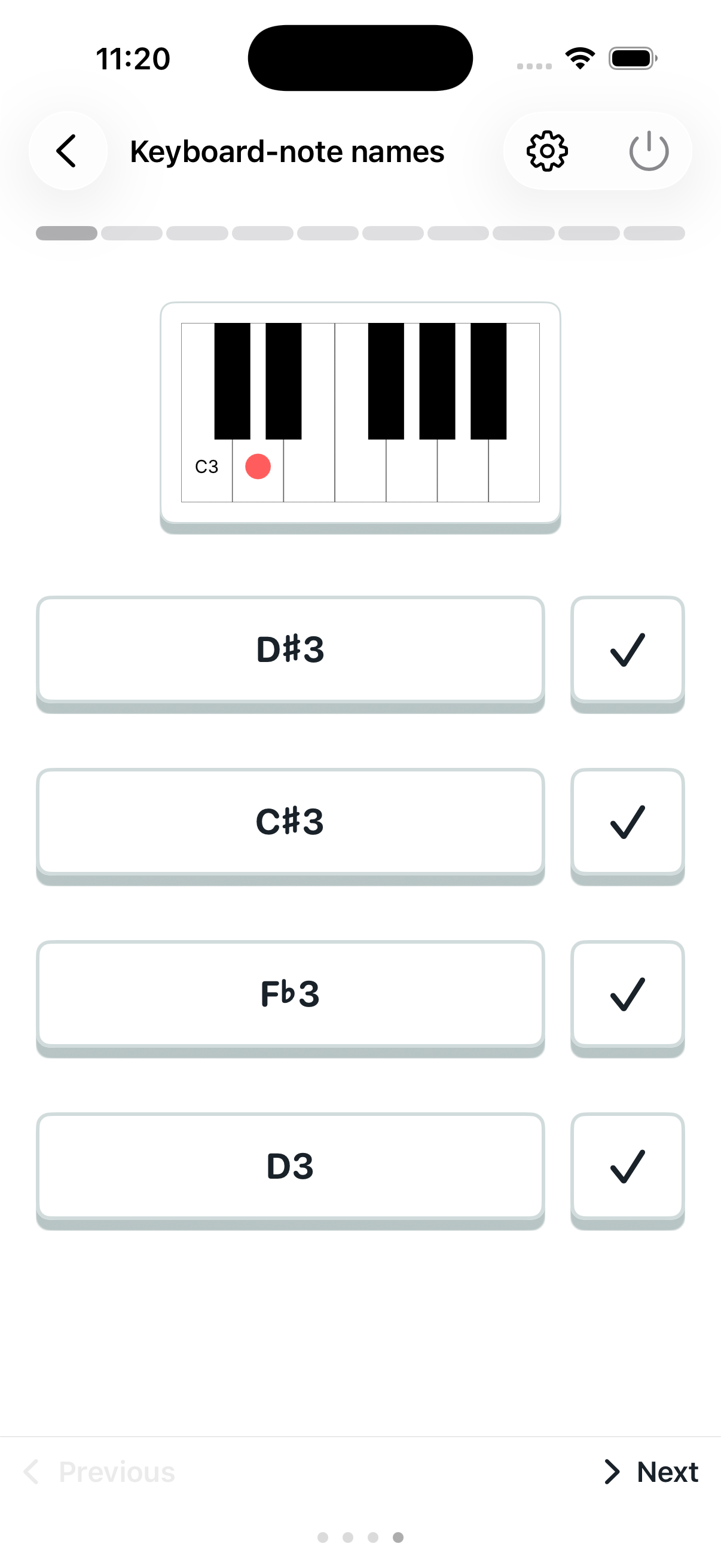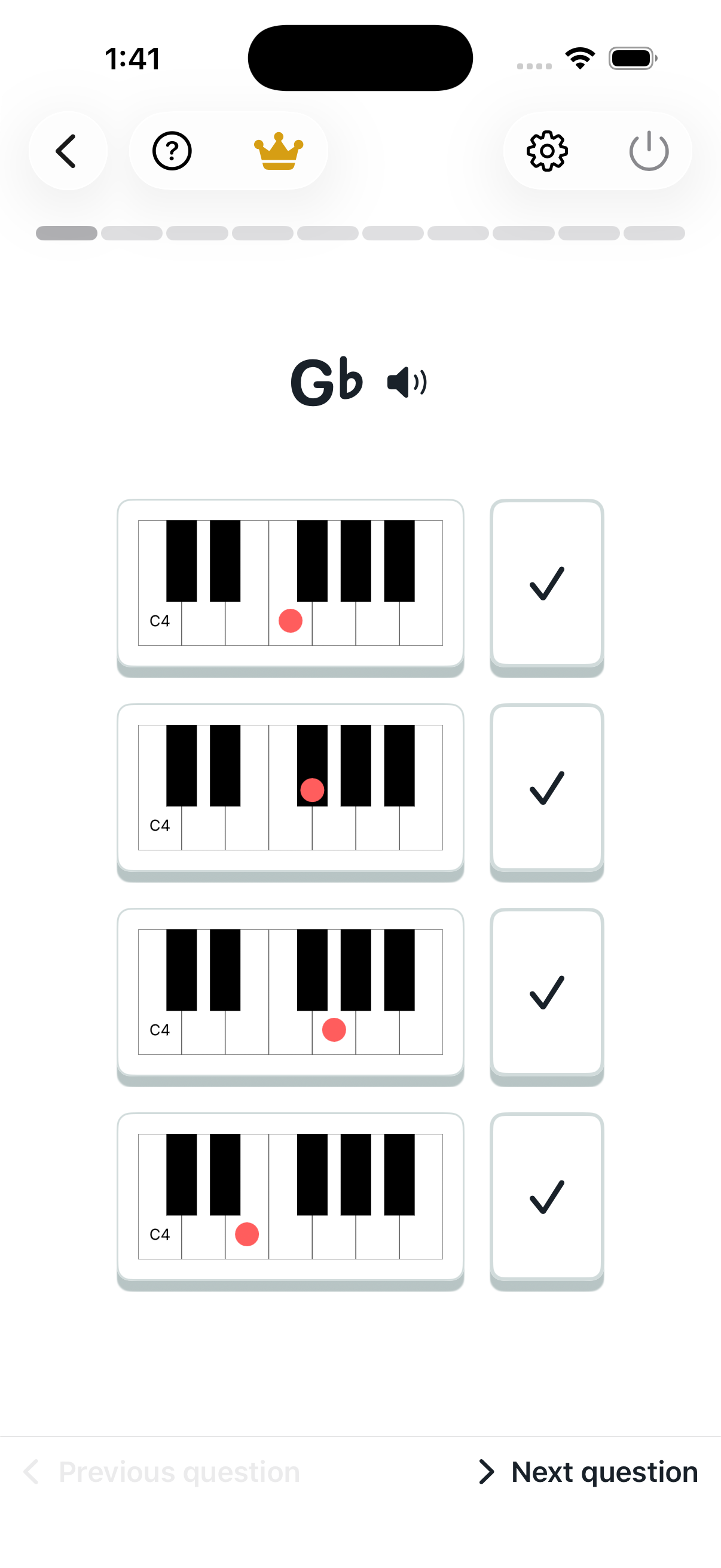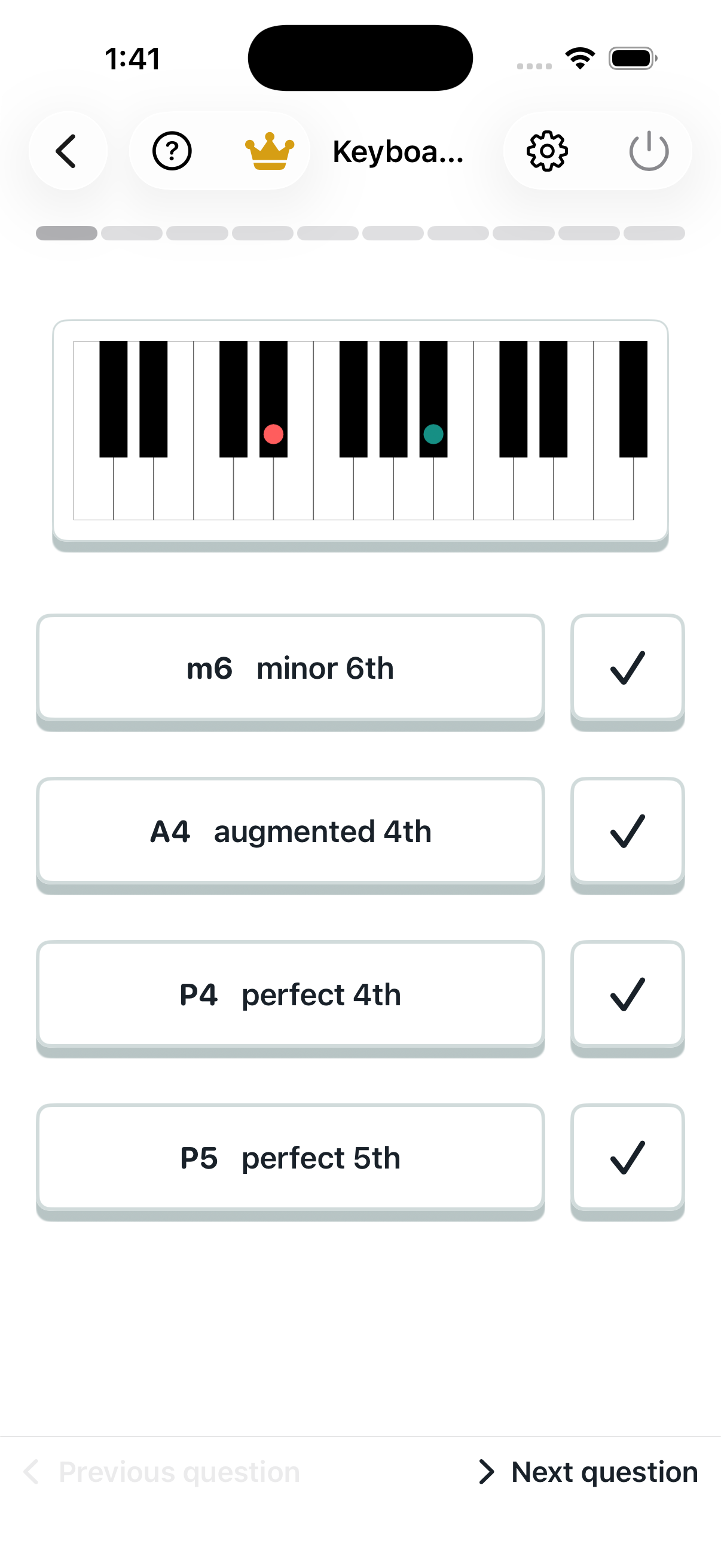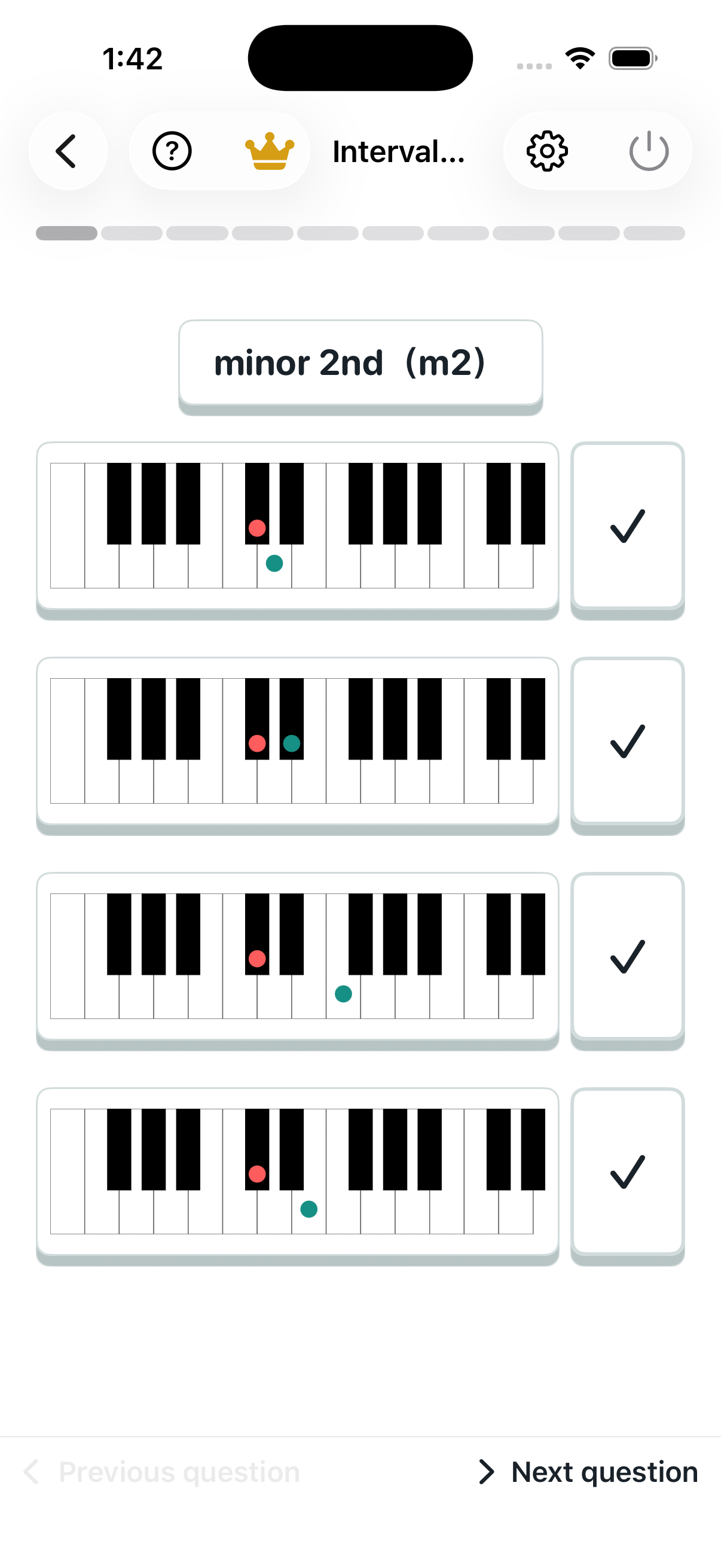

Keyboard to note name

Find the name of the marked key. Pay attention to sharps, flats and octave numbers.
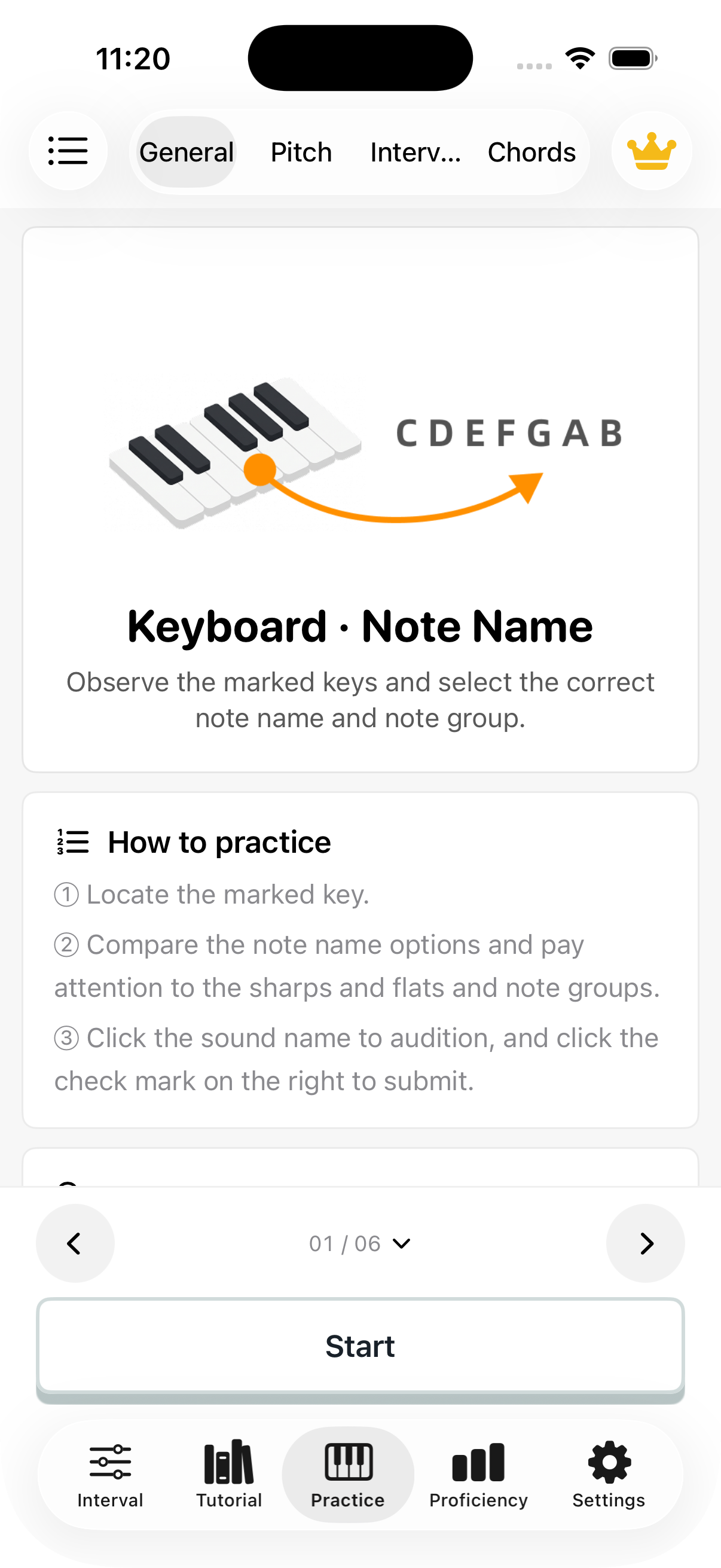
Keyboard to note name: introduction
Keyboard to note name: question screen

Note name to keyboard

Read the note name and locate it among the keyboard choices.
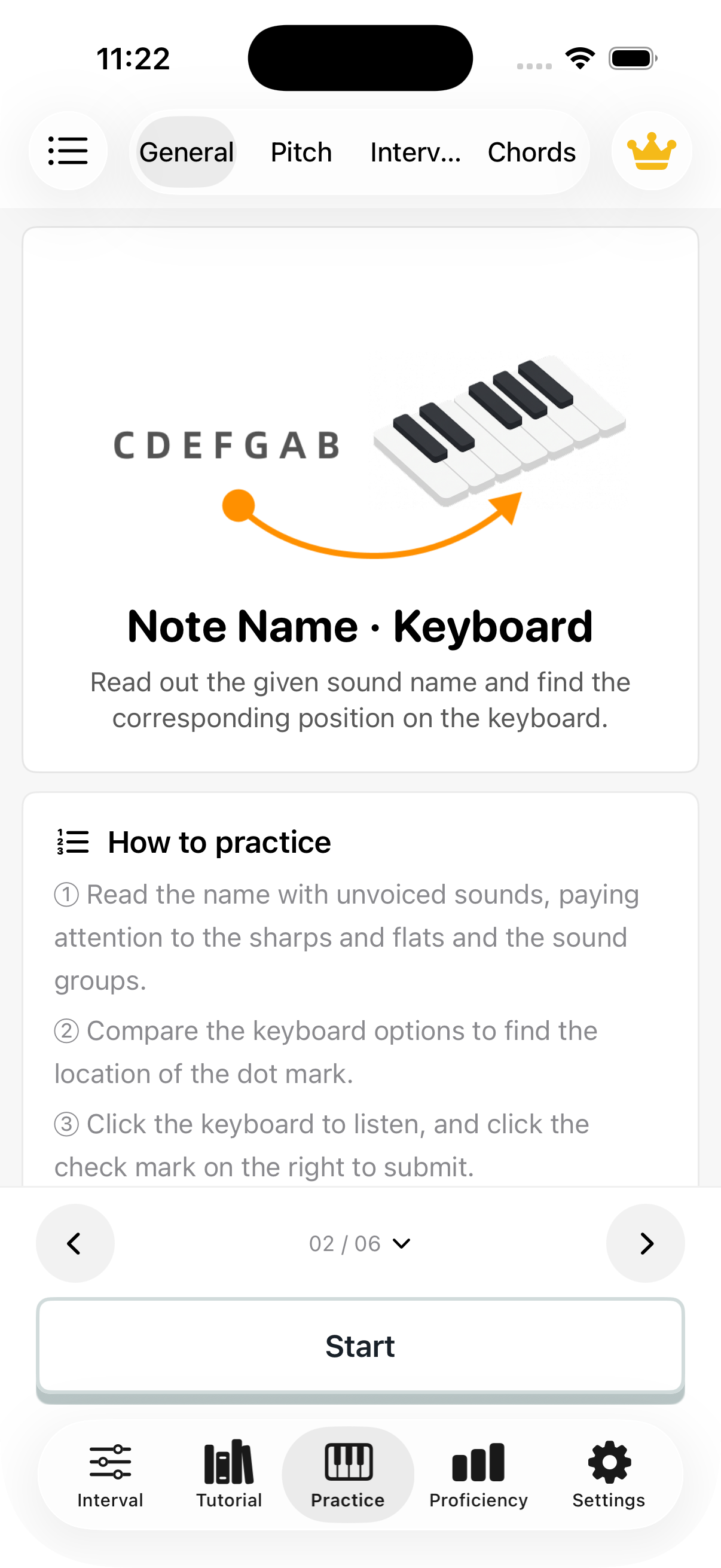
Note name to keyboard: introduction
Note name to keyboard: question screen

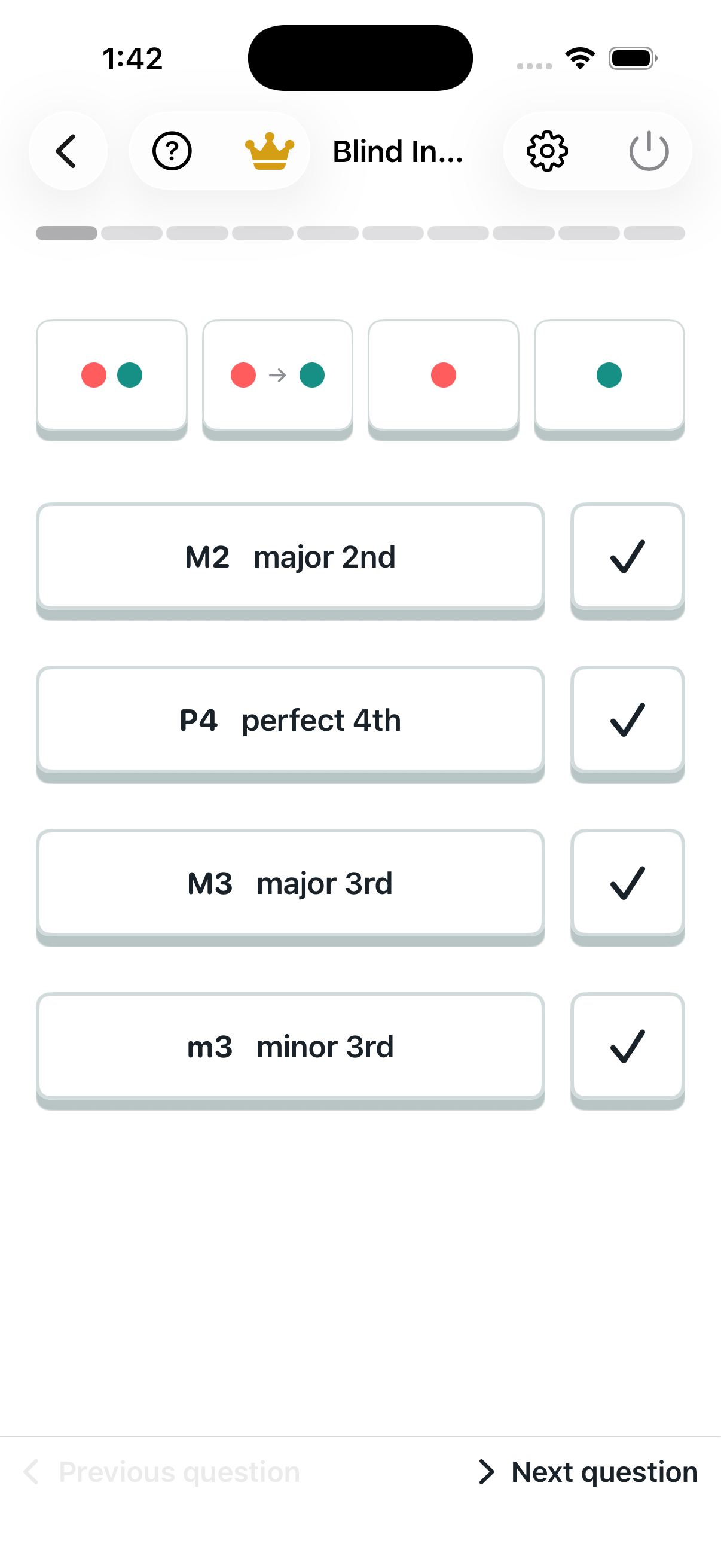
Keyboard to interval

Look at two marked keys and name their interval. Count semitones to check your answer.
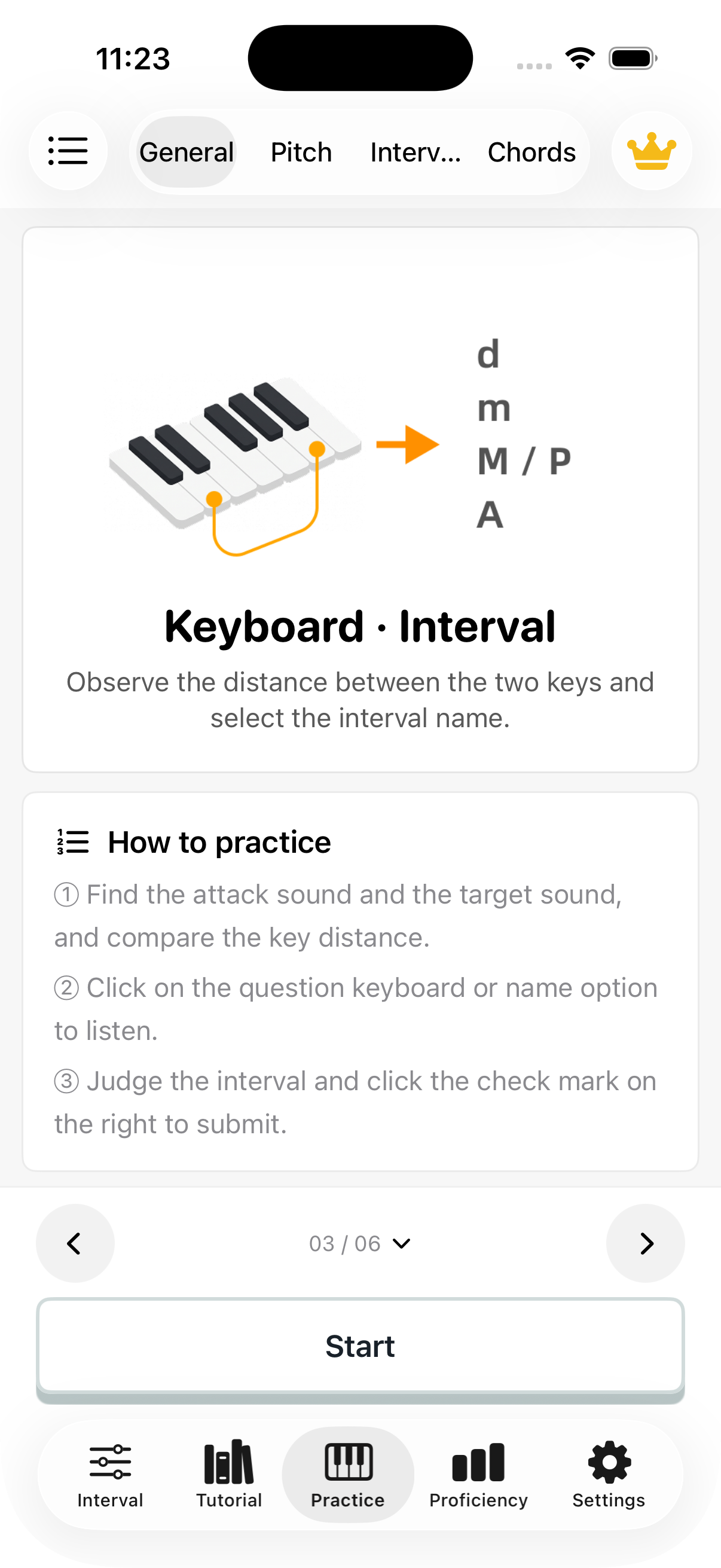
Keyboard to interval: introduction
Keyboard to interval: question screen

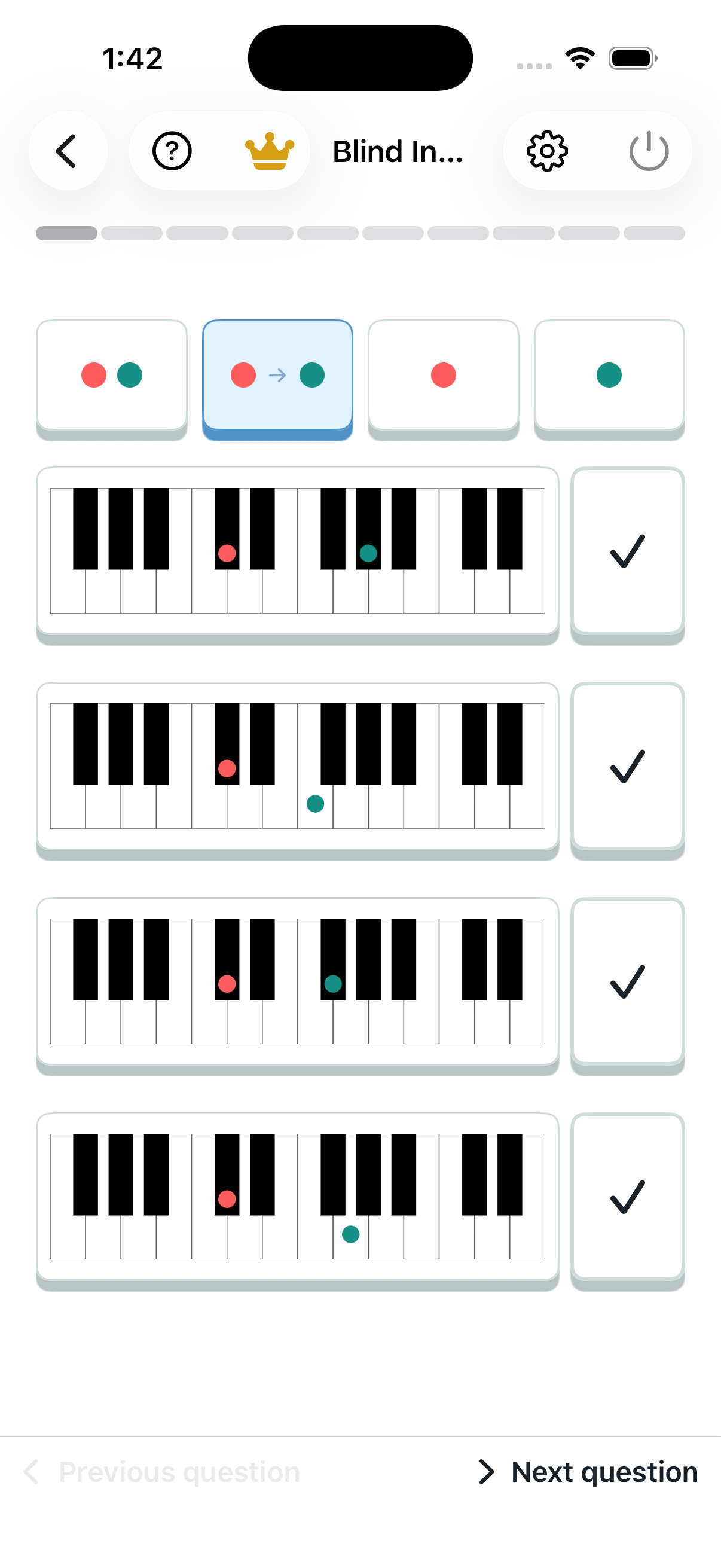
Interval to keyboard

Start with an interval name and choose the matching pair of keys.
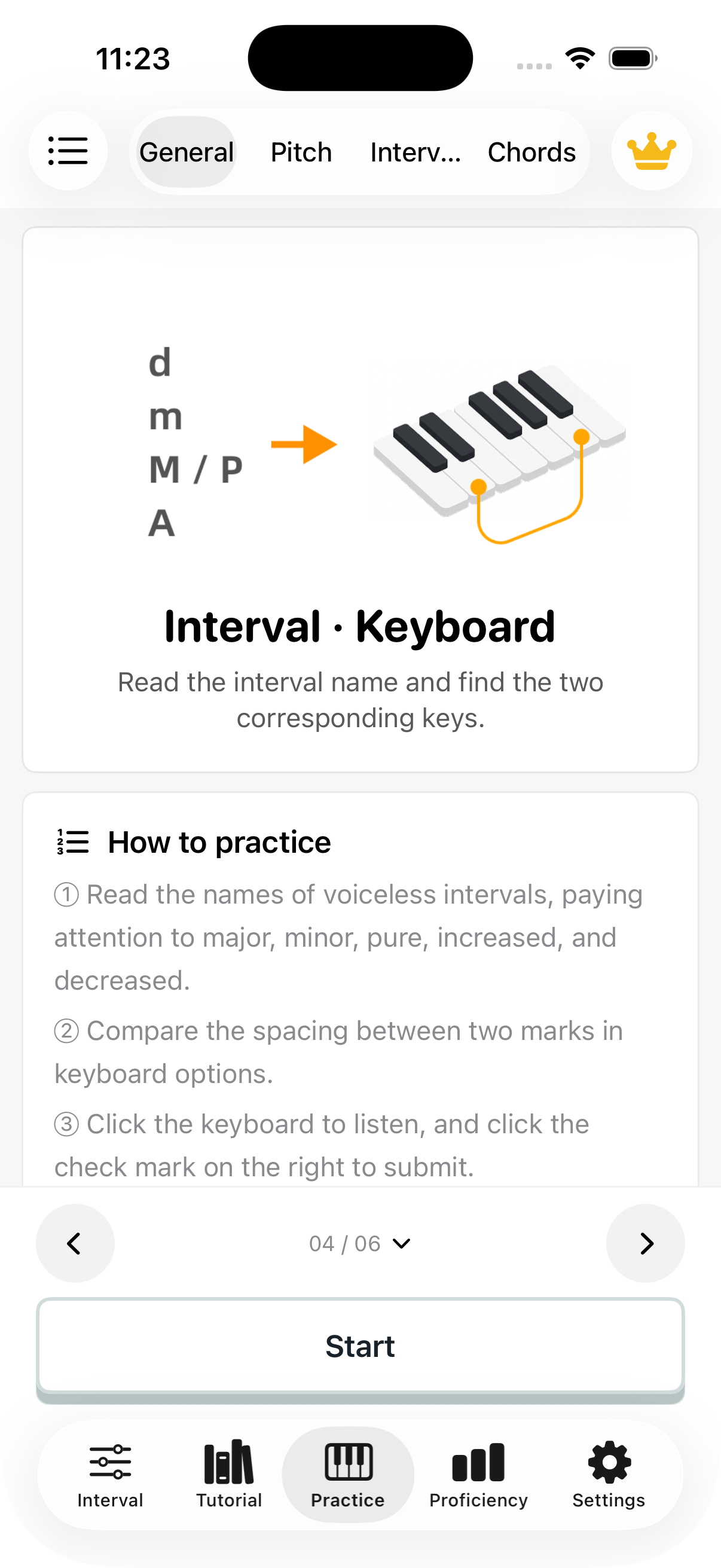
Interval to keyboard: introduction
Interval to keyboard: question screen

Hear interval to keyboard

Listen to two notes and select the keyboard pattern with the same distance.
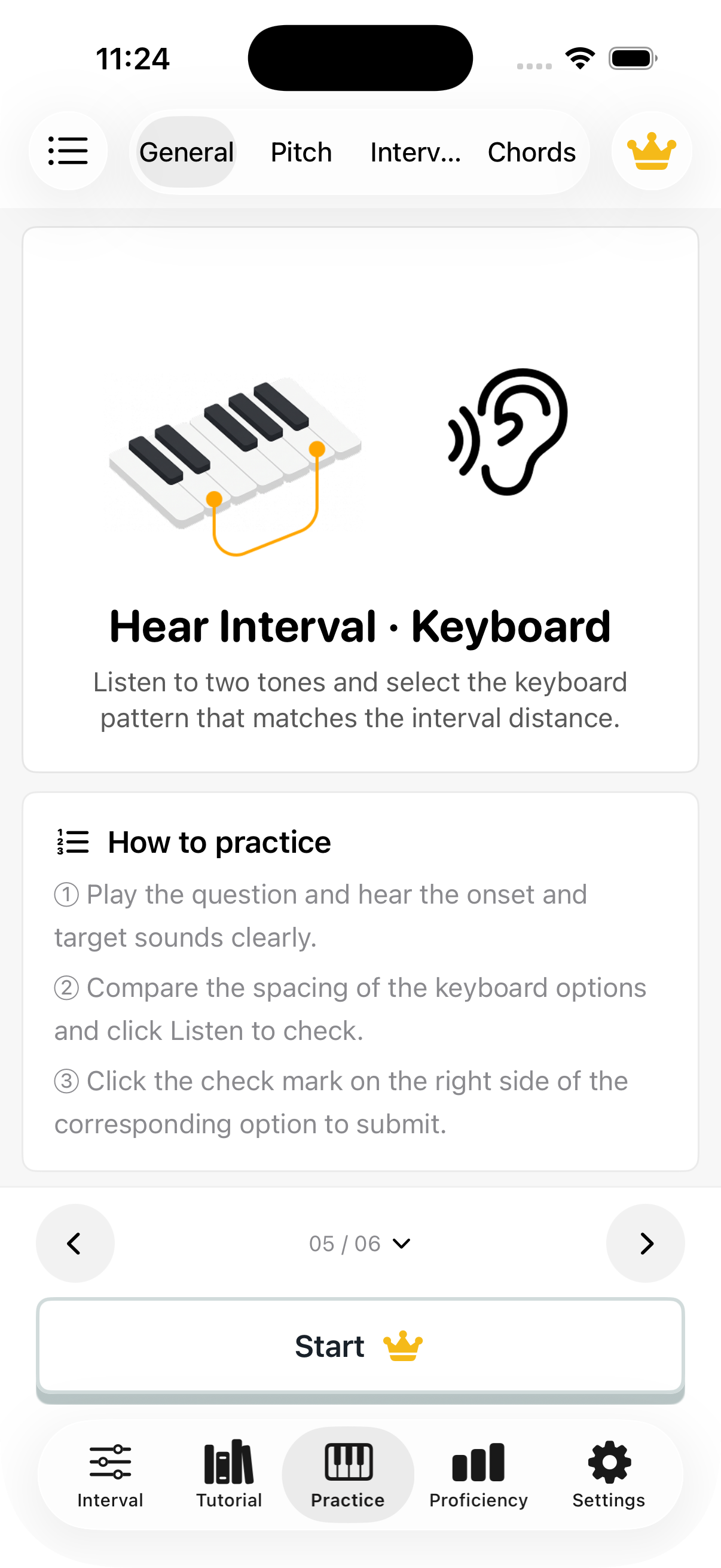
Hear interval to keyboard: introduction
Hear interval to keyboard: question screen

Hear interval to name

Name an interval from its sound alone, without seeing its keys.
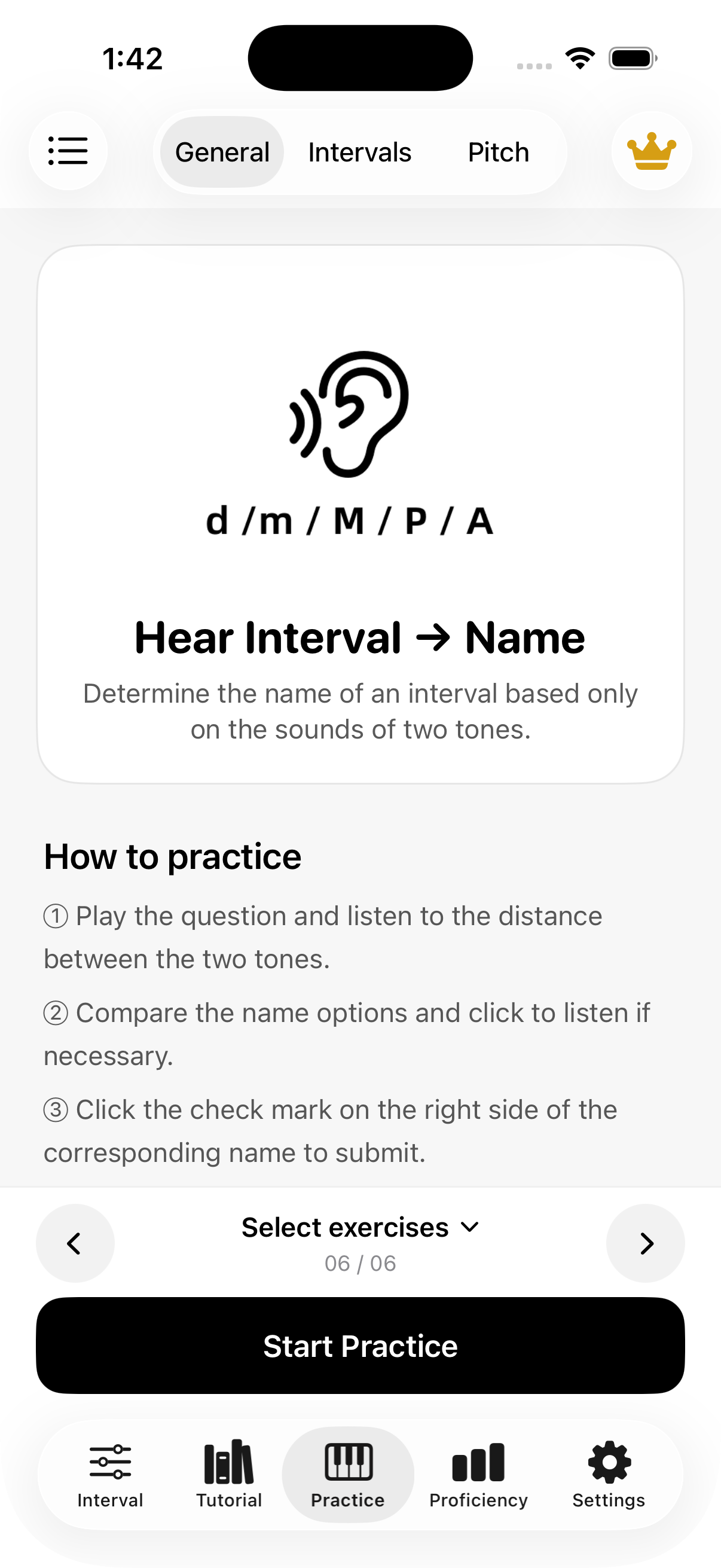
Hear interval to name: introduction
Hear interval to name: question screen

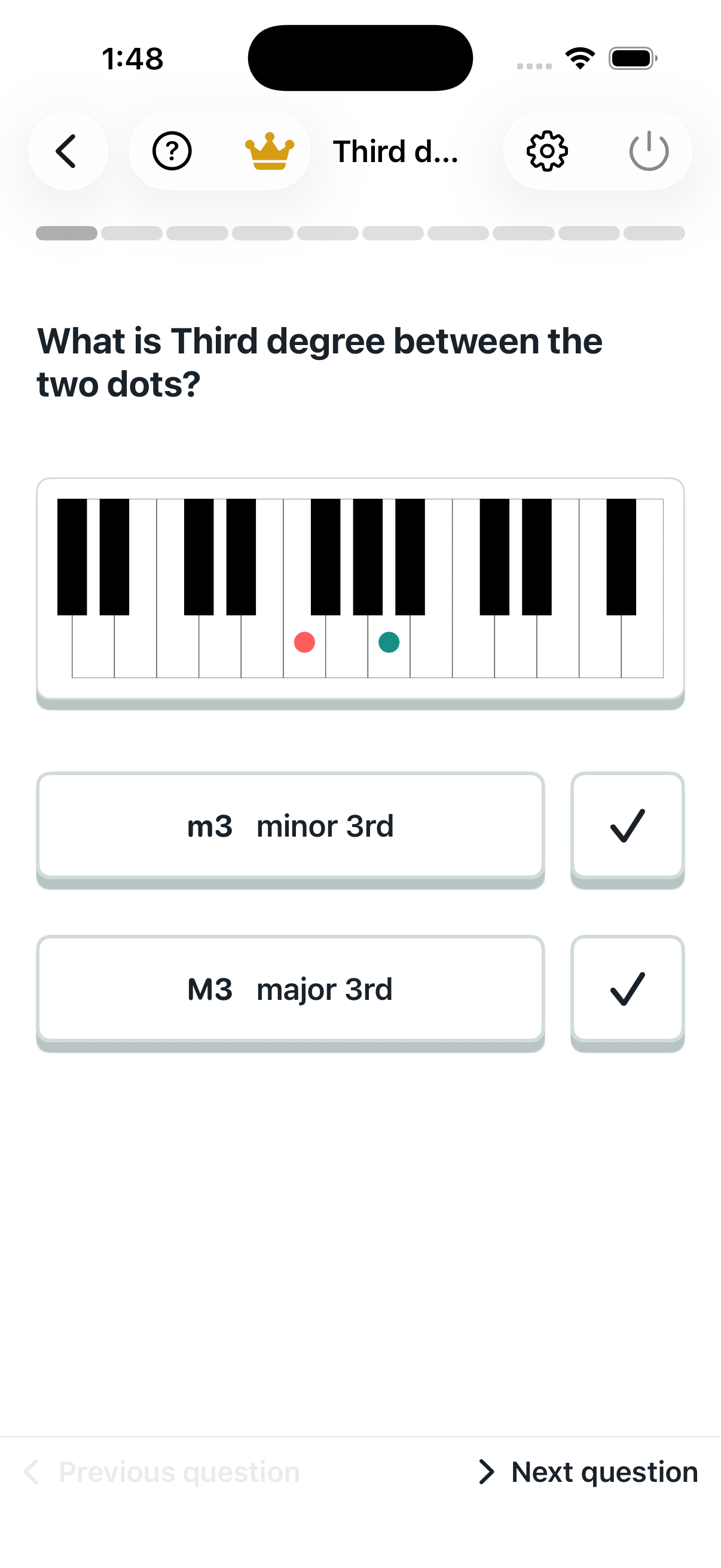
Keyboard to interval focus

Name an interval within one family. The app example compares major and minor thirds.
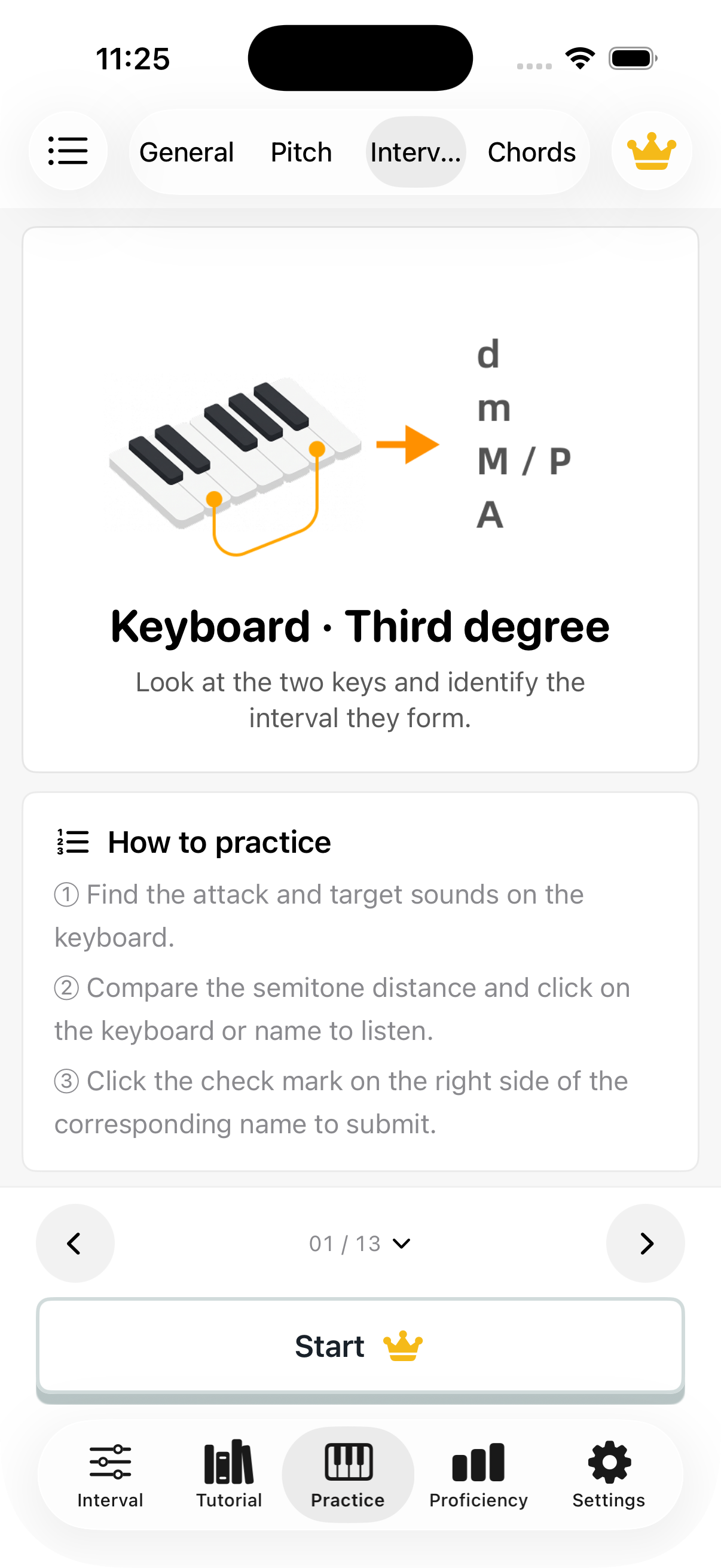
Keyboard to interval focus: introduction
Keyboard to interval focus: question screen

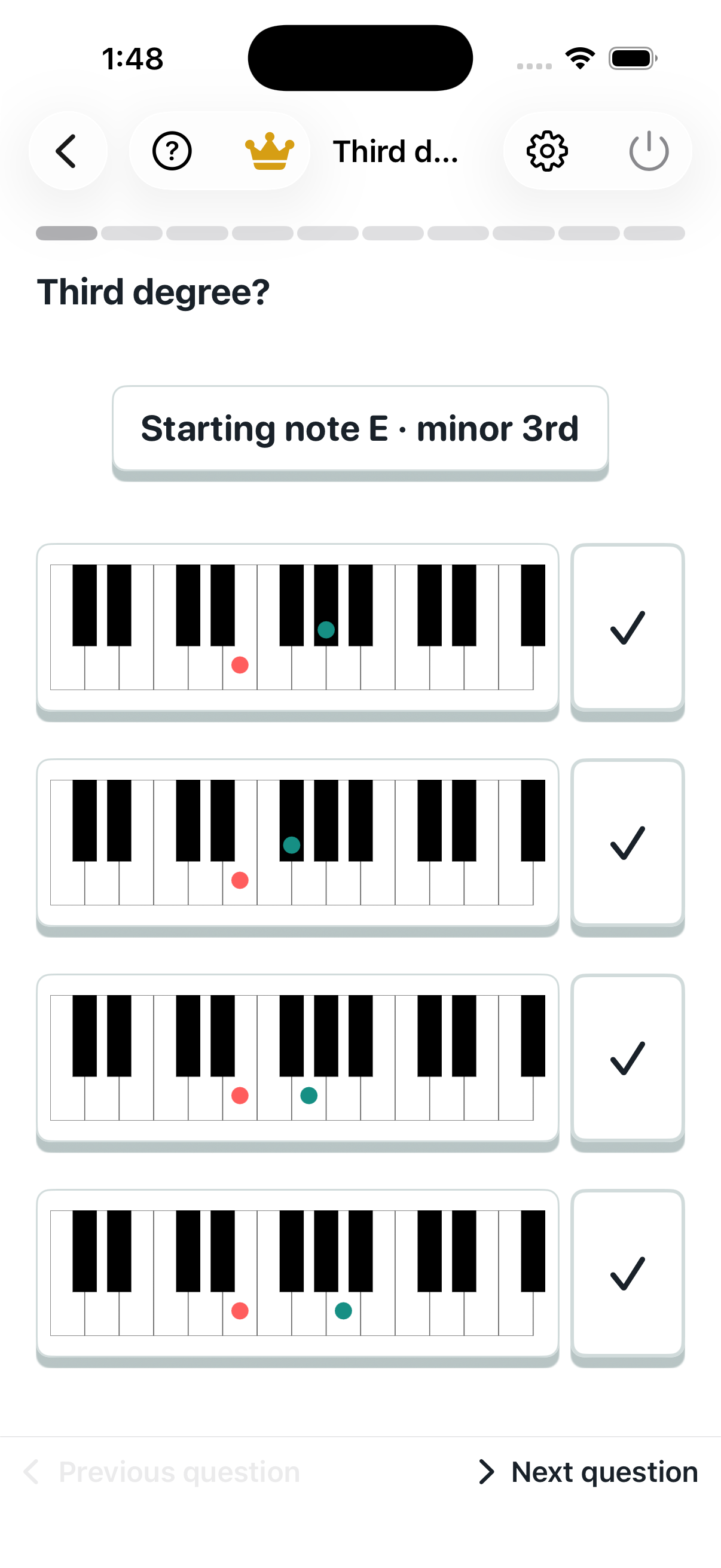
Interval focus to keyboard

Given a starting note and interval, find the target key. The app example focuses on thirds.
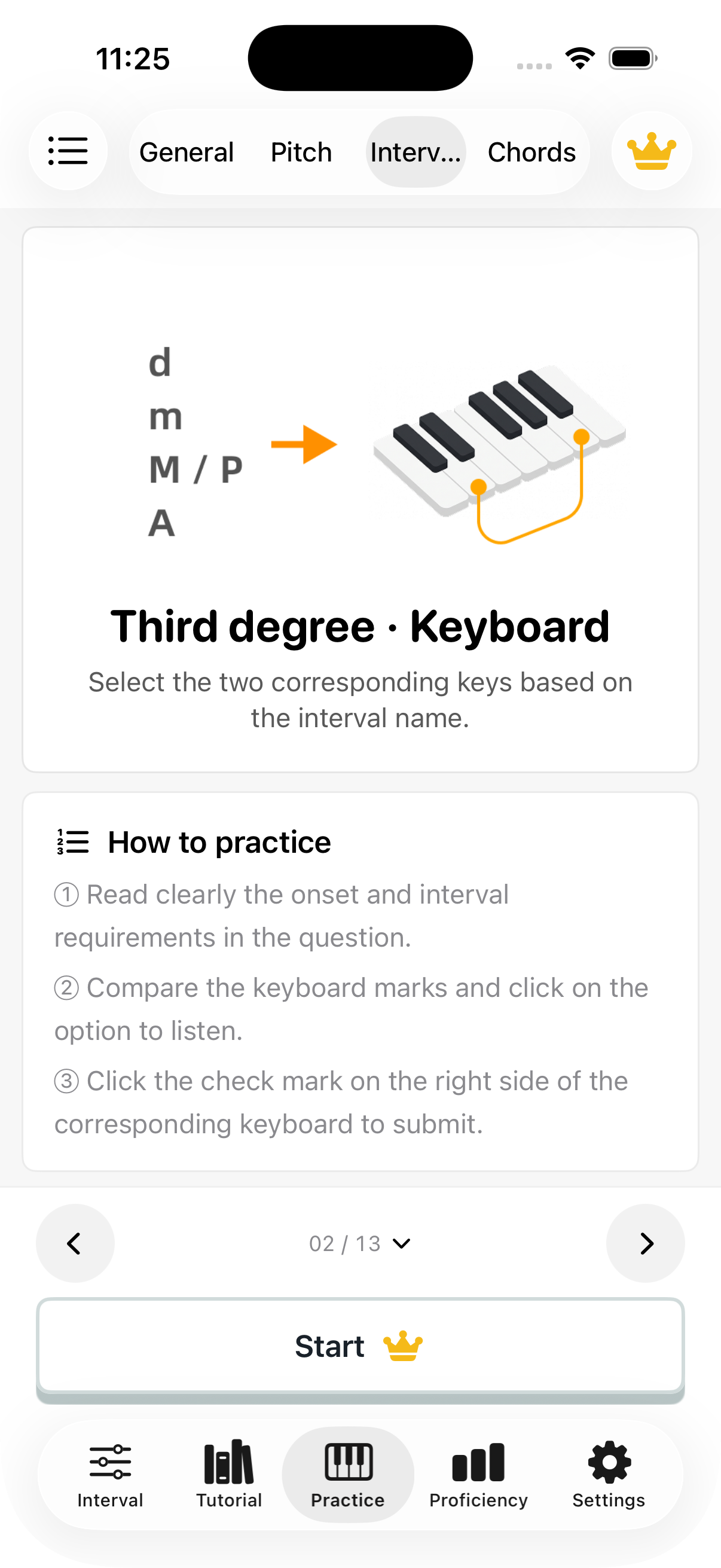
Interval focus to keyboard: introduction
Interval focus to keyboard: question screen

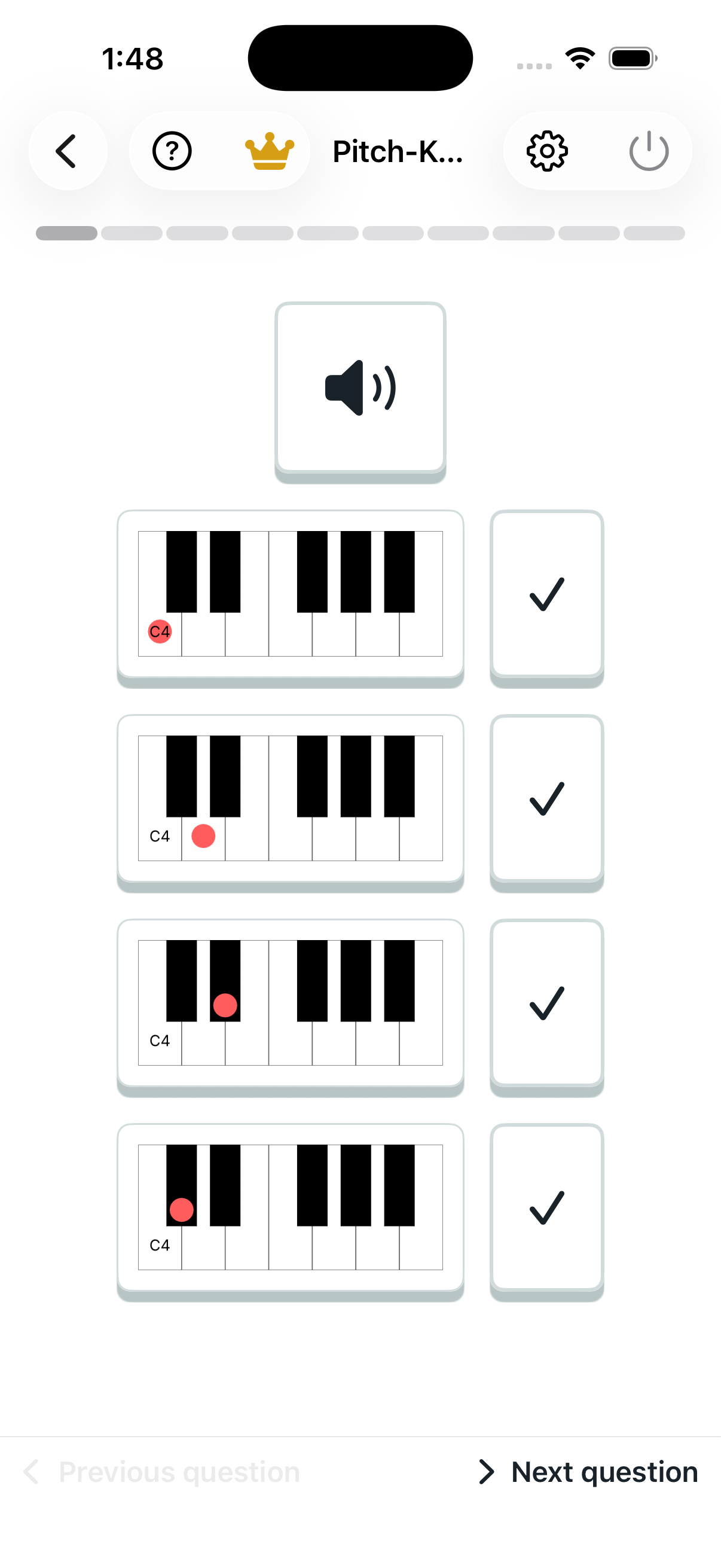
Pitch to keyboard

Hear a single note, then choose its place on the keyboard.
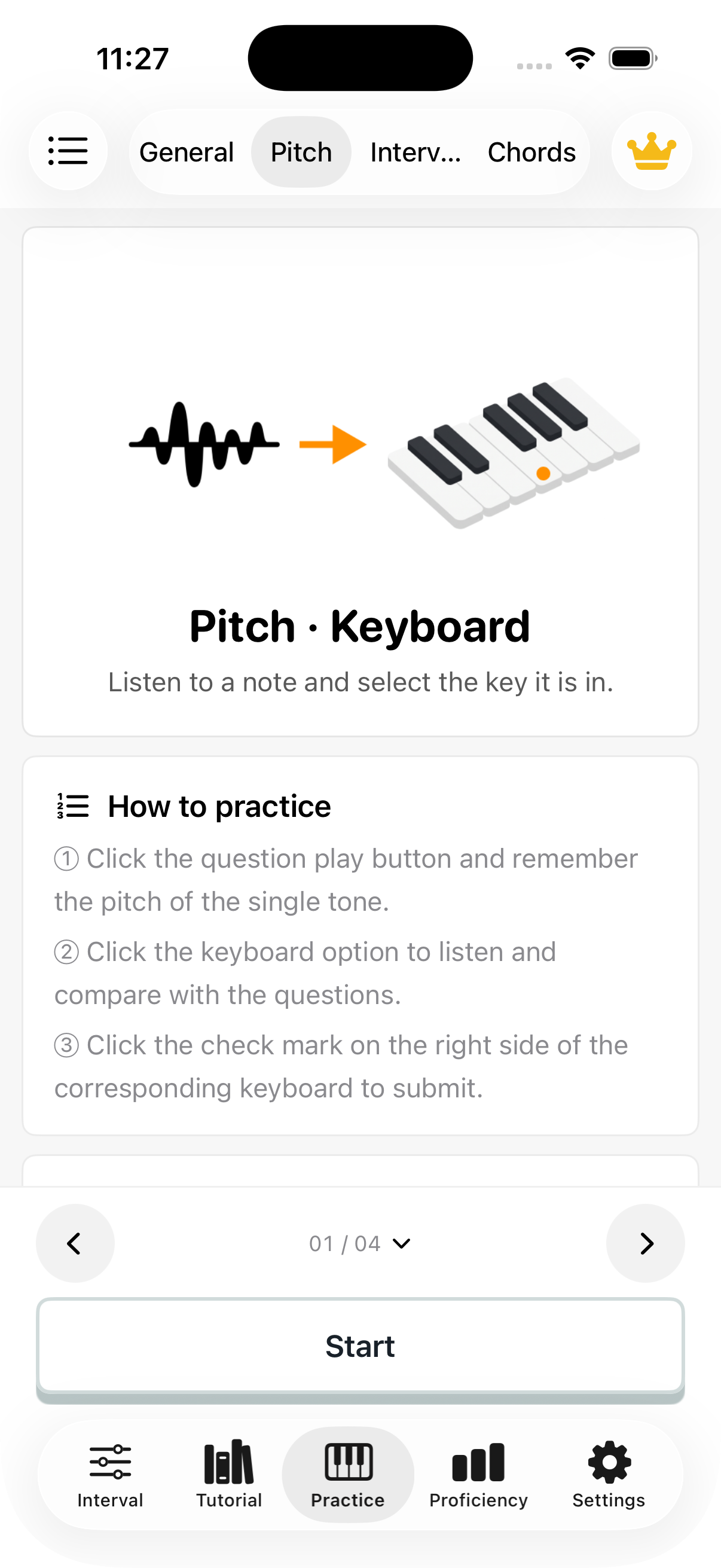
Pitch to keyboard: introduction
Pitch to keyboard: question screen

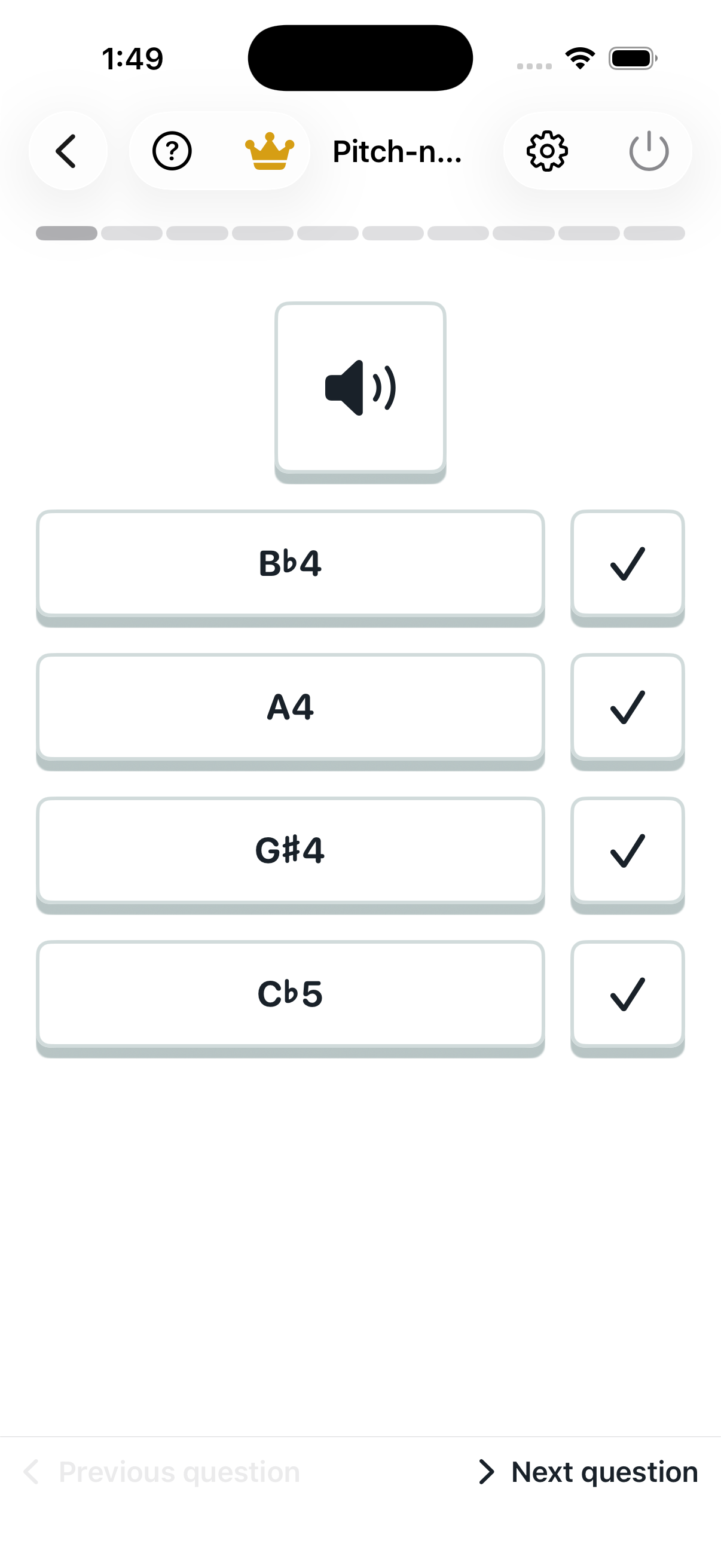
Pitch to note name

Hear a single note and choose its note name.
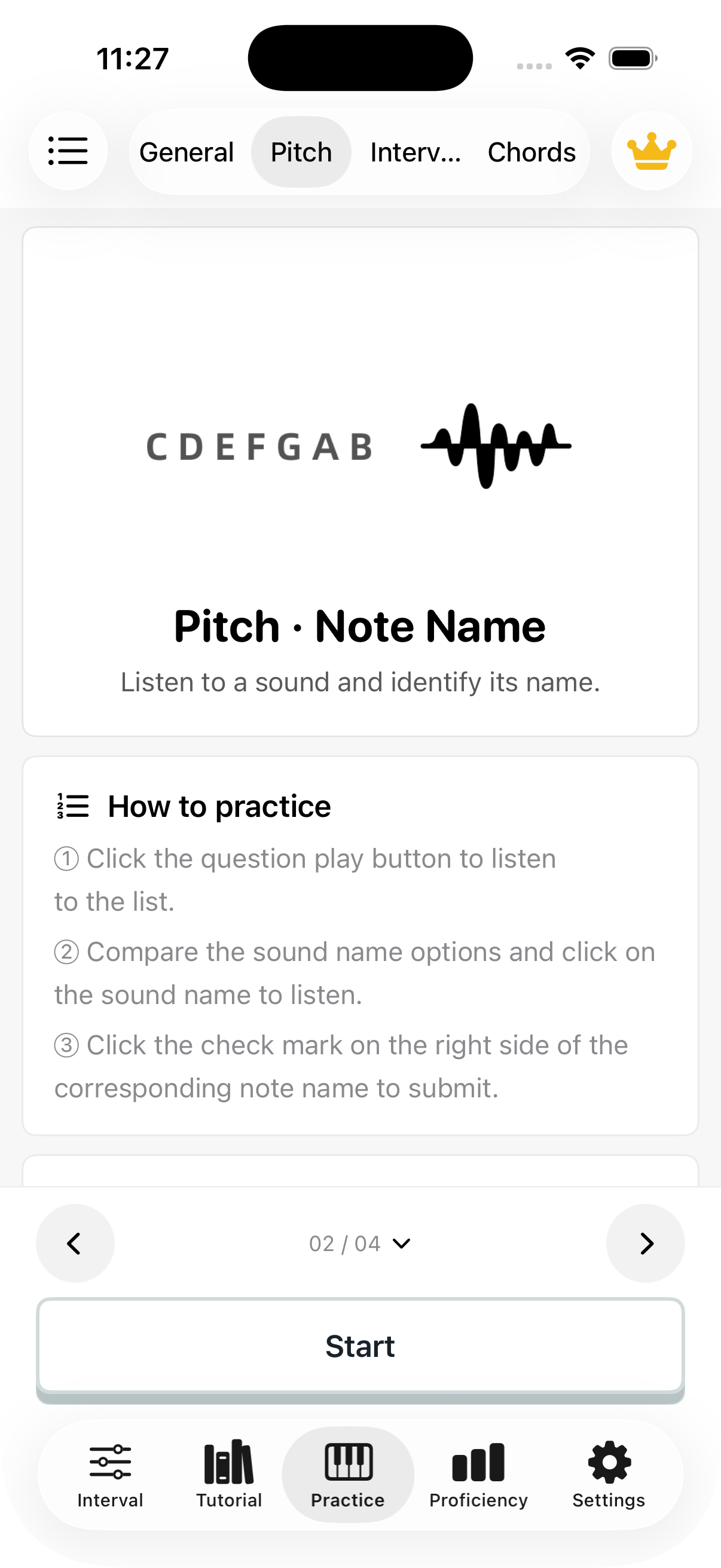
Pitch to note name: introduction
Pitch to note name: question screen

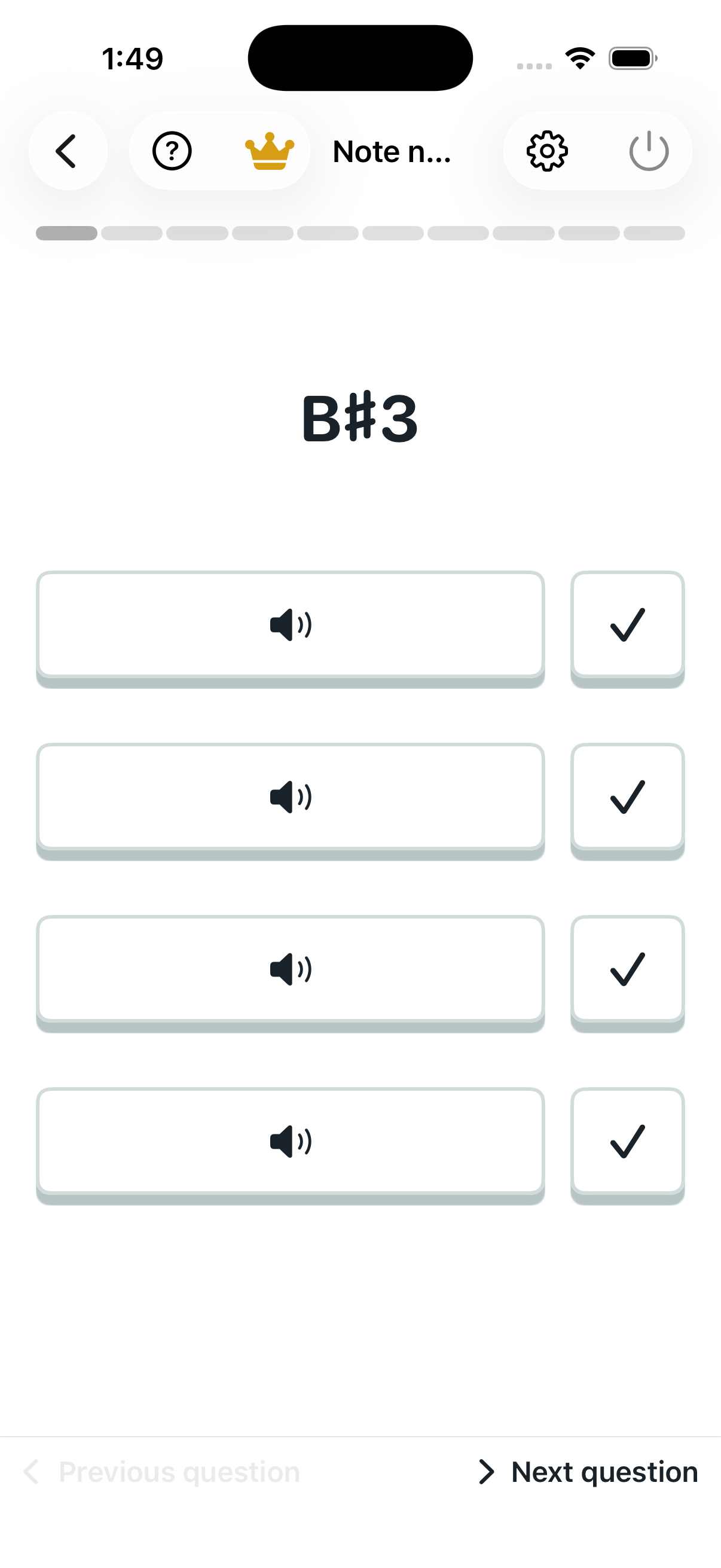
Note name to pitch

Read a note name, imagine its sound, and compare the audio choices.
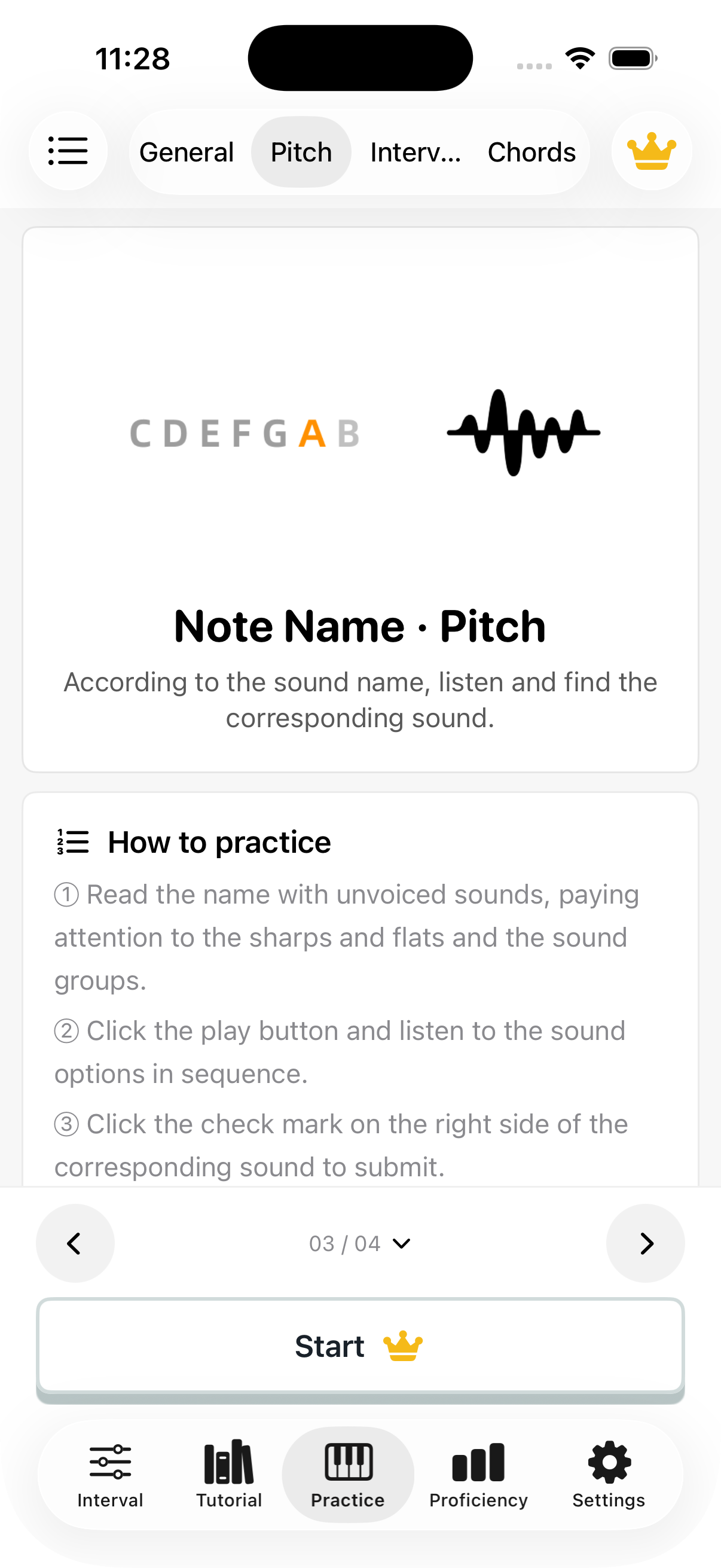
Note name to pitch: introduction
Note name to pitch: question screen

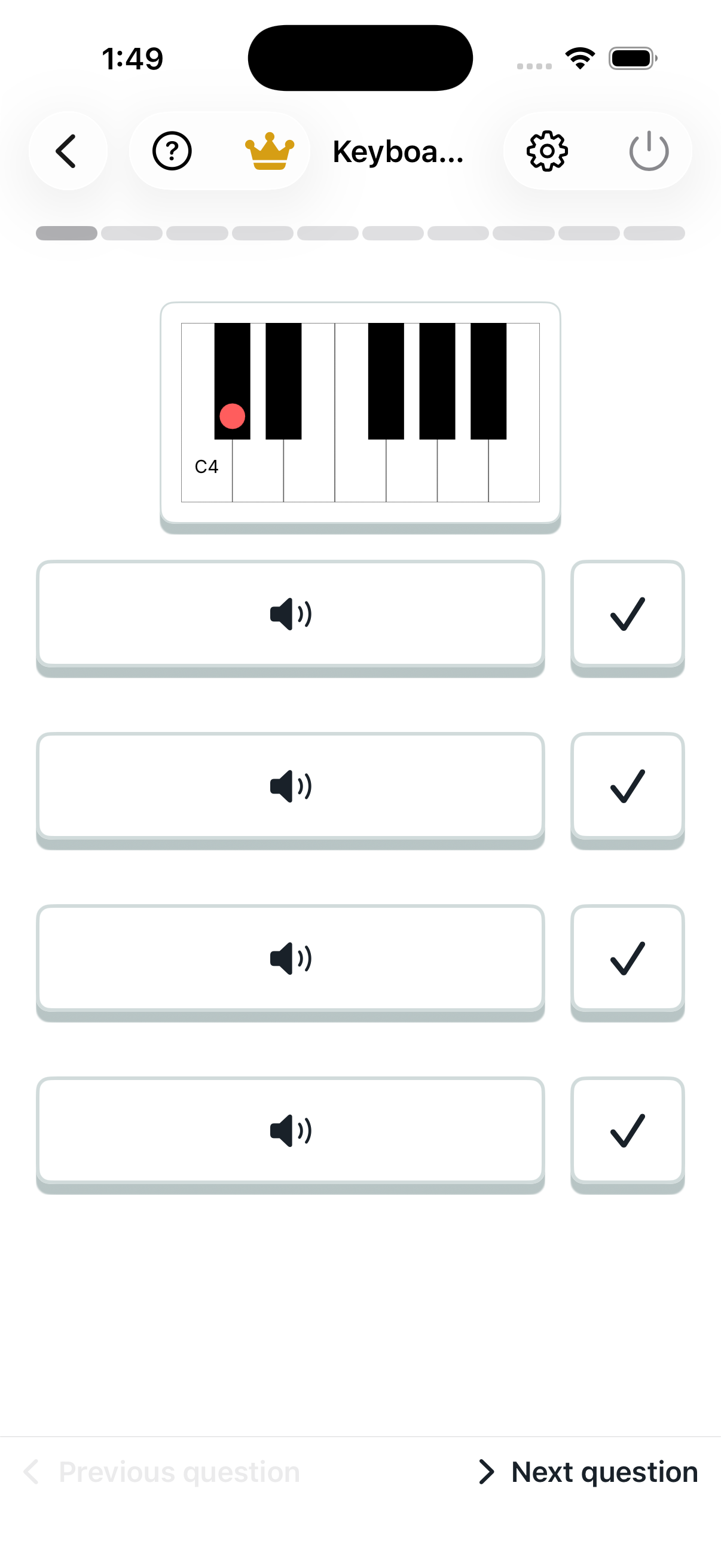
Keyboard to pitch

Look at a marked key and select its sound. Identify the note and octave first.
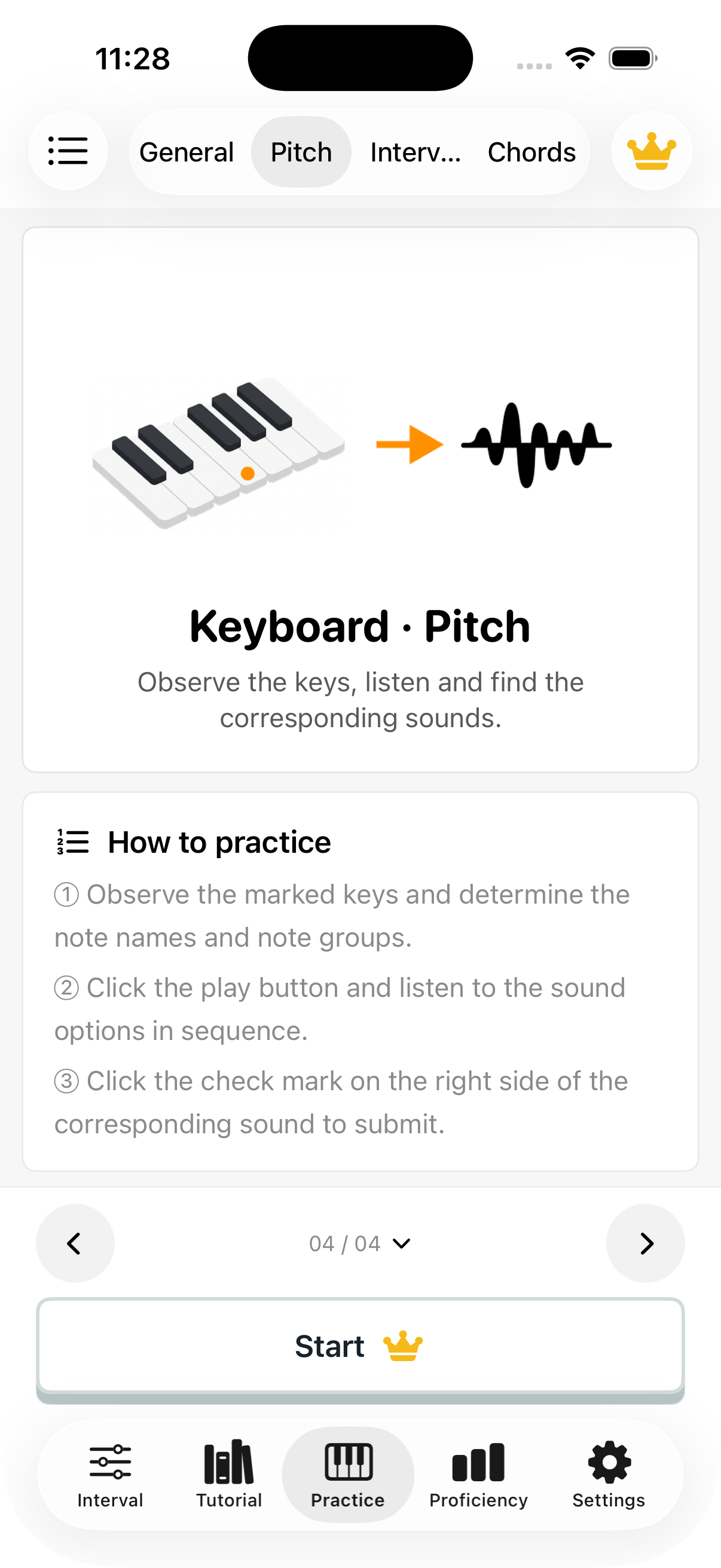
Keyboard to pitch: introduction
Keyboard to pitch: question screen

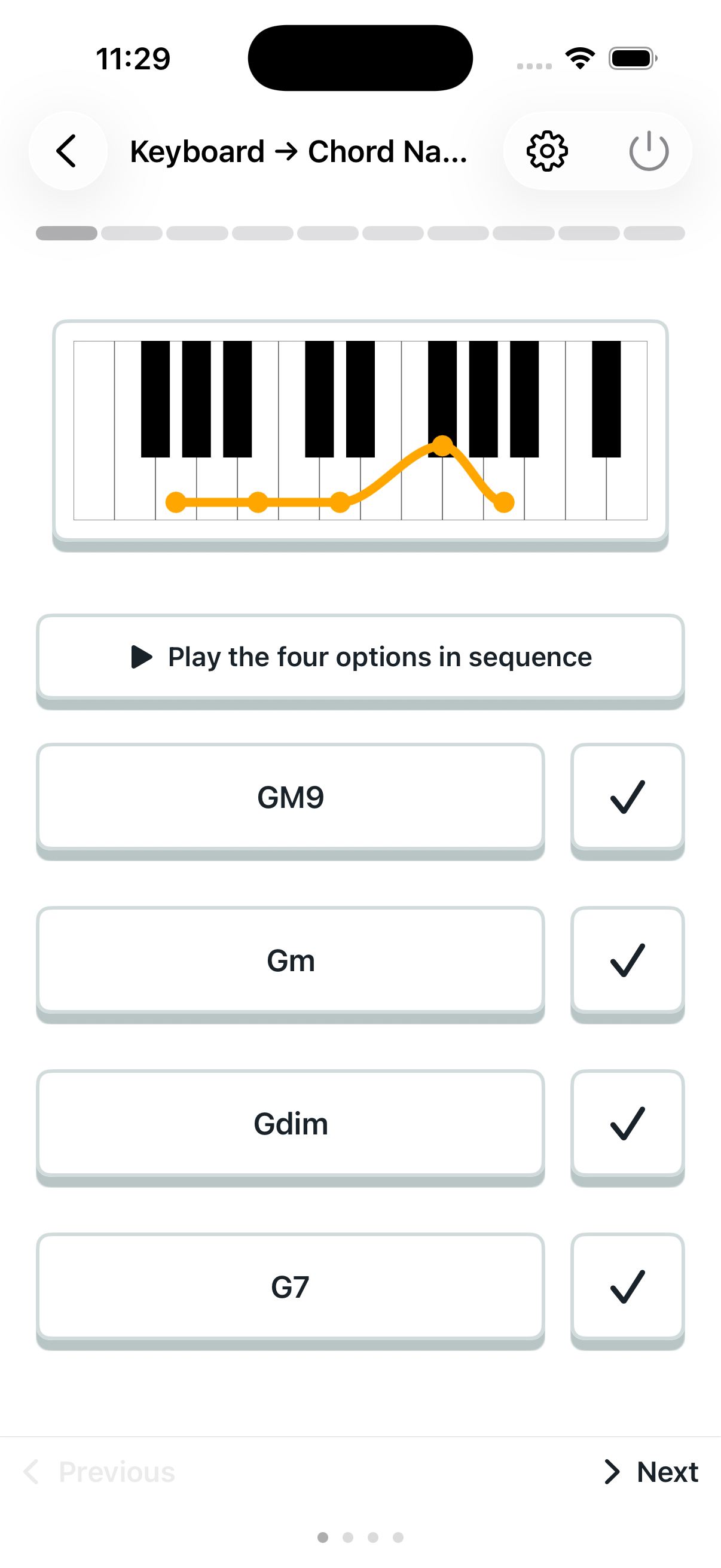
Keyboard to chord name

Look at the chord tones on the keyboard and choose the chord name.
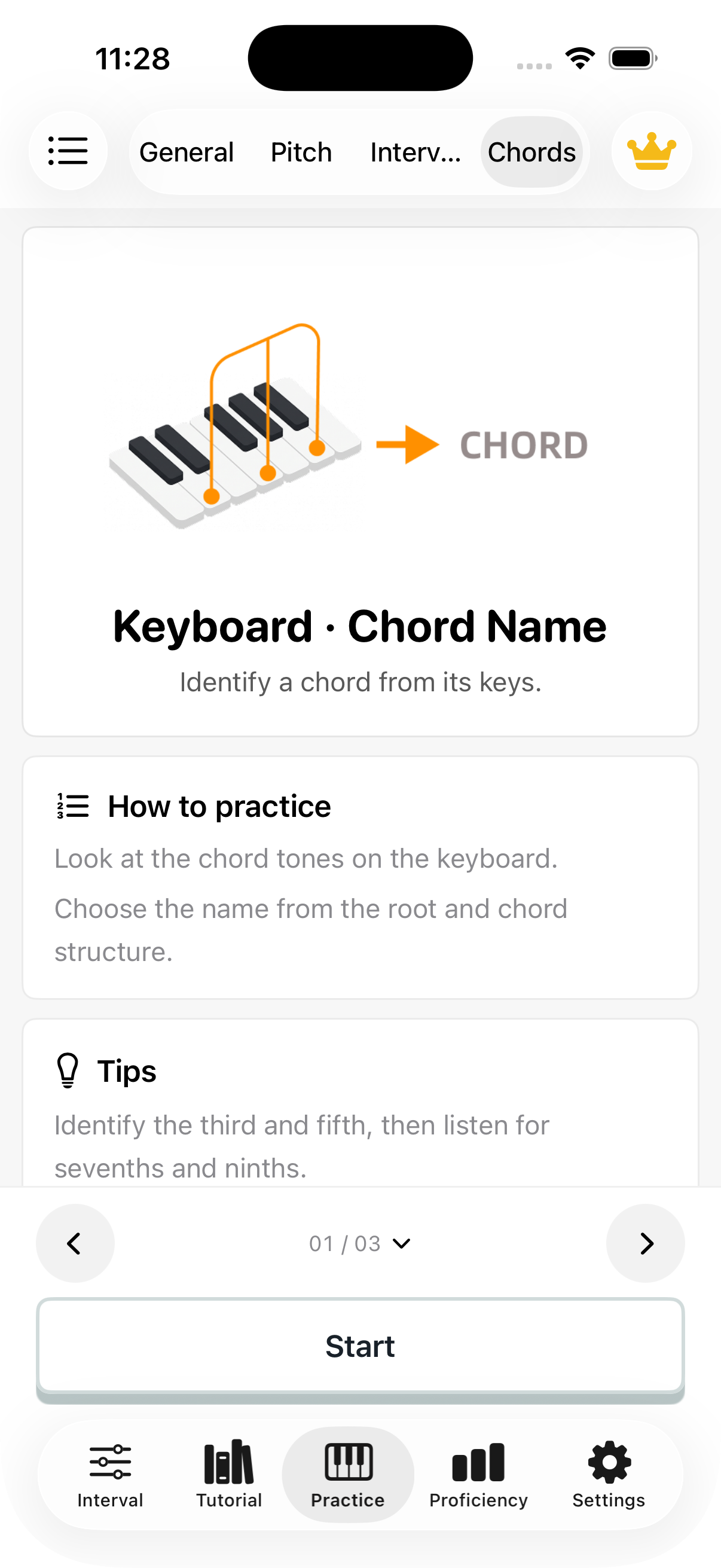
Keyboard to chord name: introduction
Keyboard to chord name: question screen

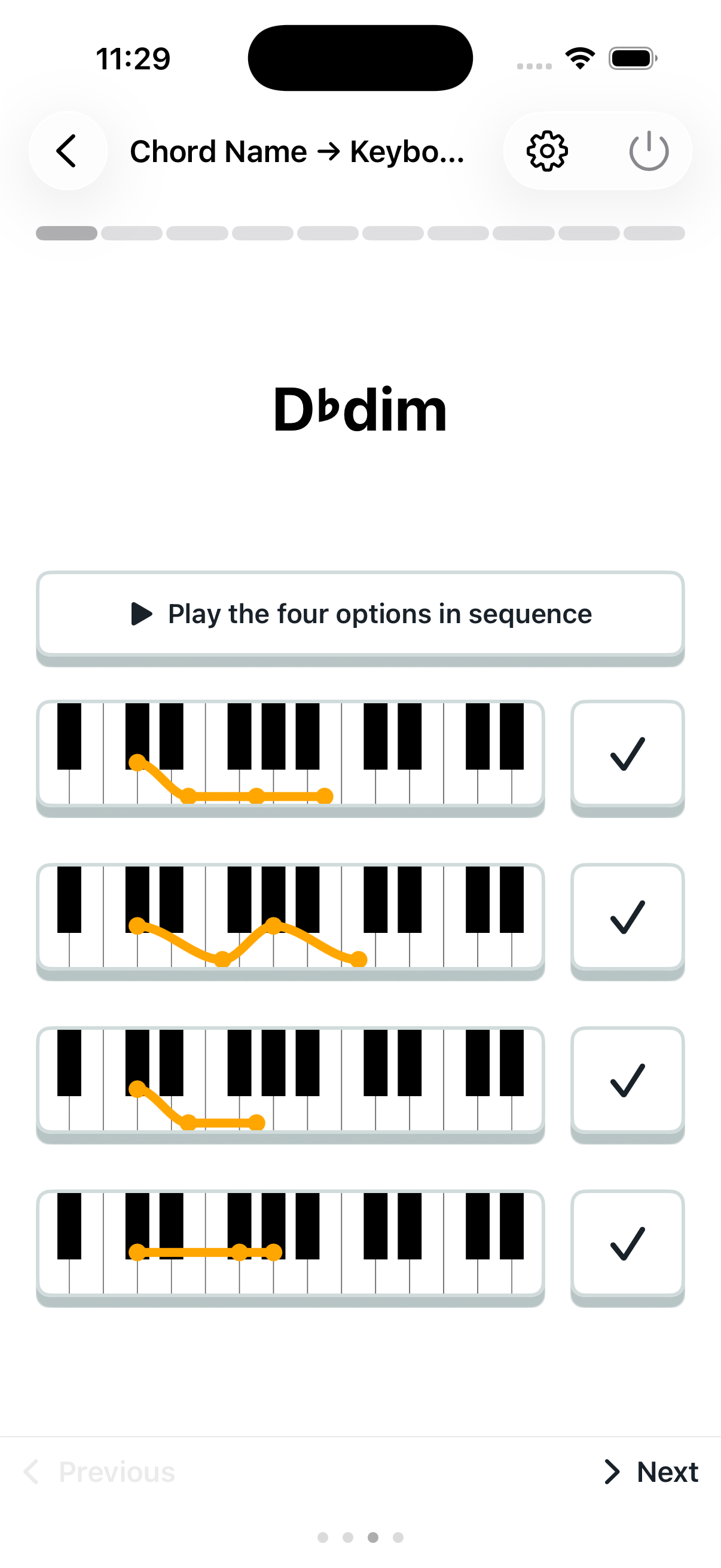
Chord name to keyboard

Choose the keyboard notes that match a given chord name.
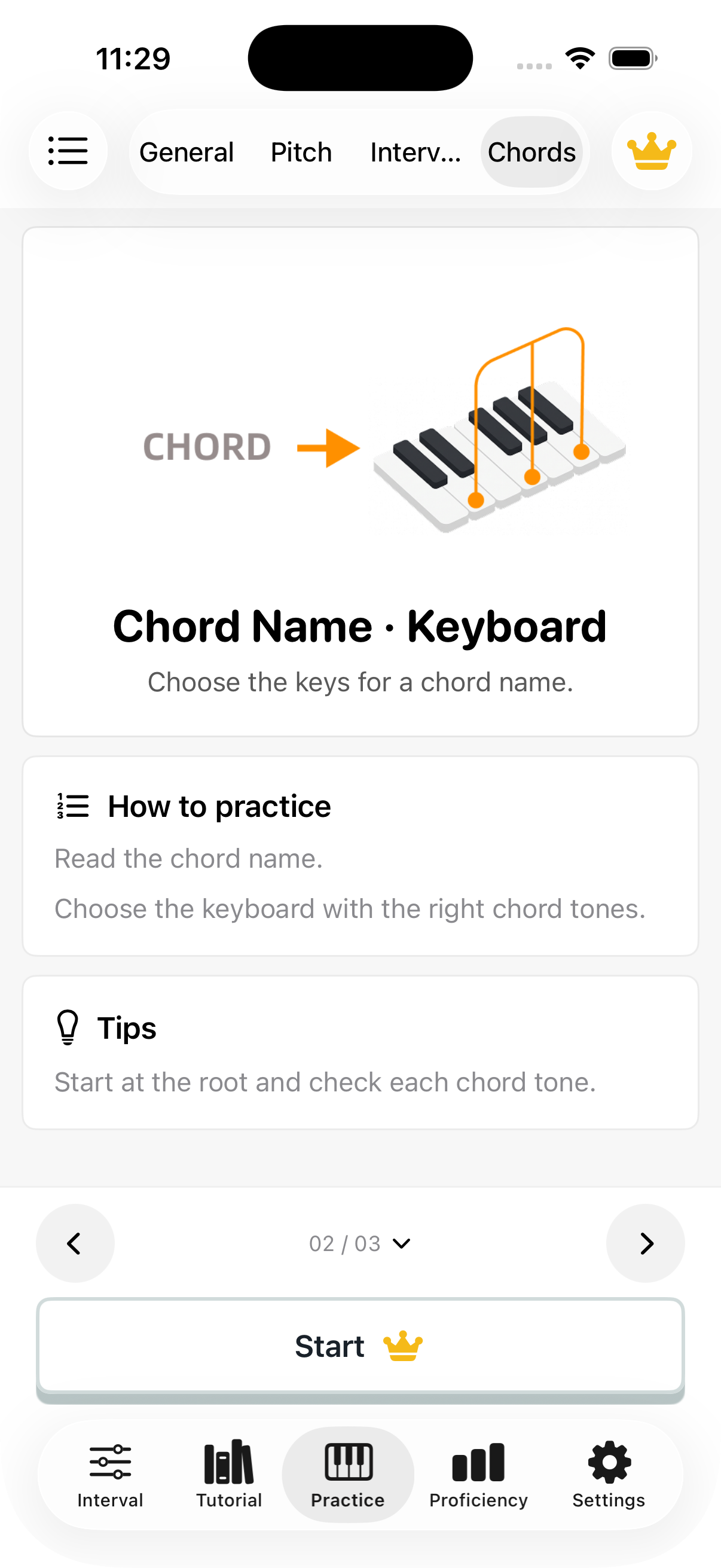
Chord name to keyboard: introduction
Chord name to keyboard: question screen

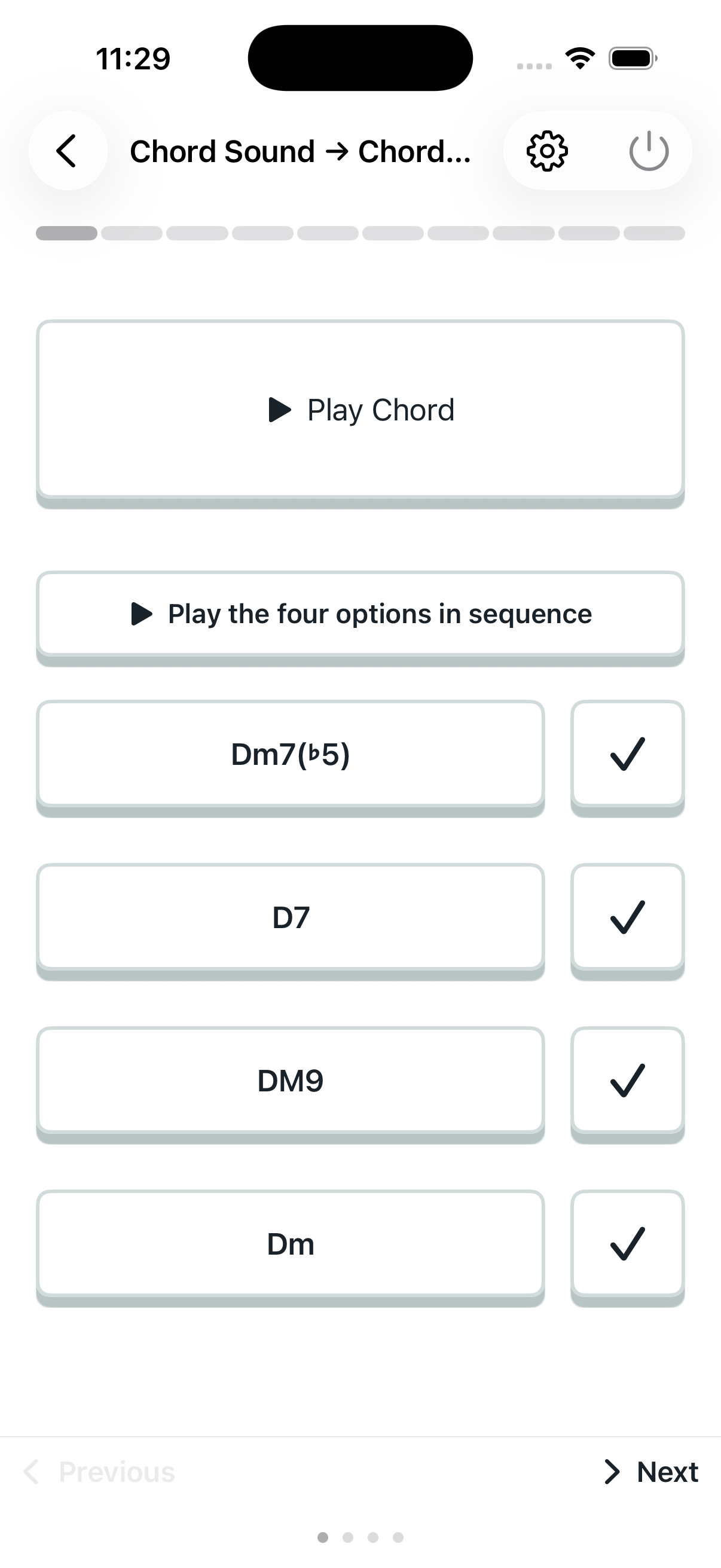
Chord sound to chord name

Listen to a chord and identify its name.
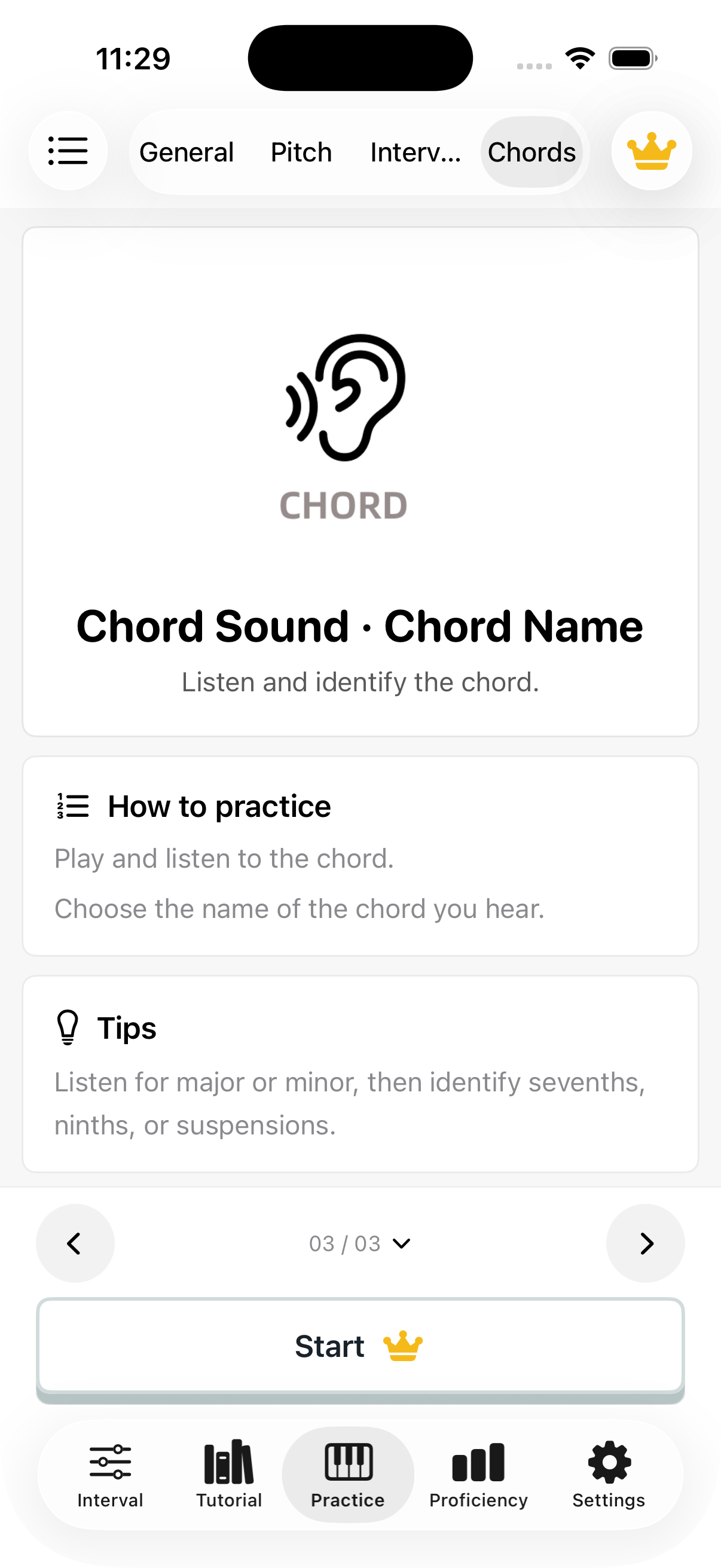
Chord sound to chord name: introduction
Chord sound to chord name: question screen