
EAR TRAINING APP
Genchord Practice
Build a stronger connection between what you see on the keyboard and what you hear. Work through focused questions on notes, intervals, pitch and chords, then use proficiency charts to decide what to study next.
Read the app guide →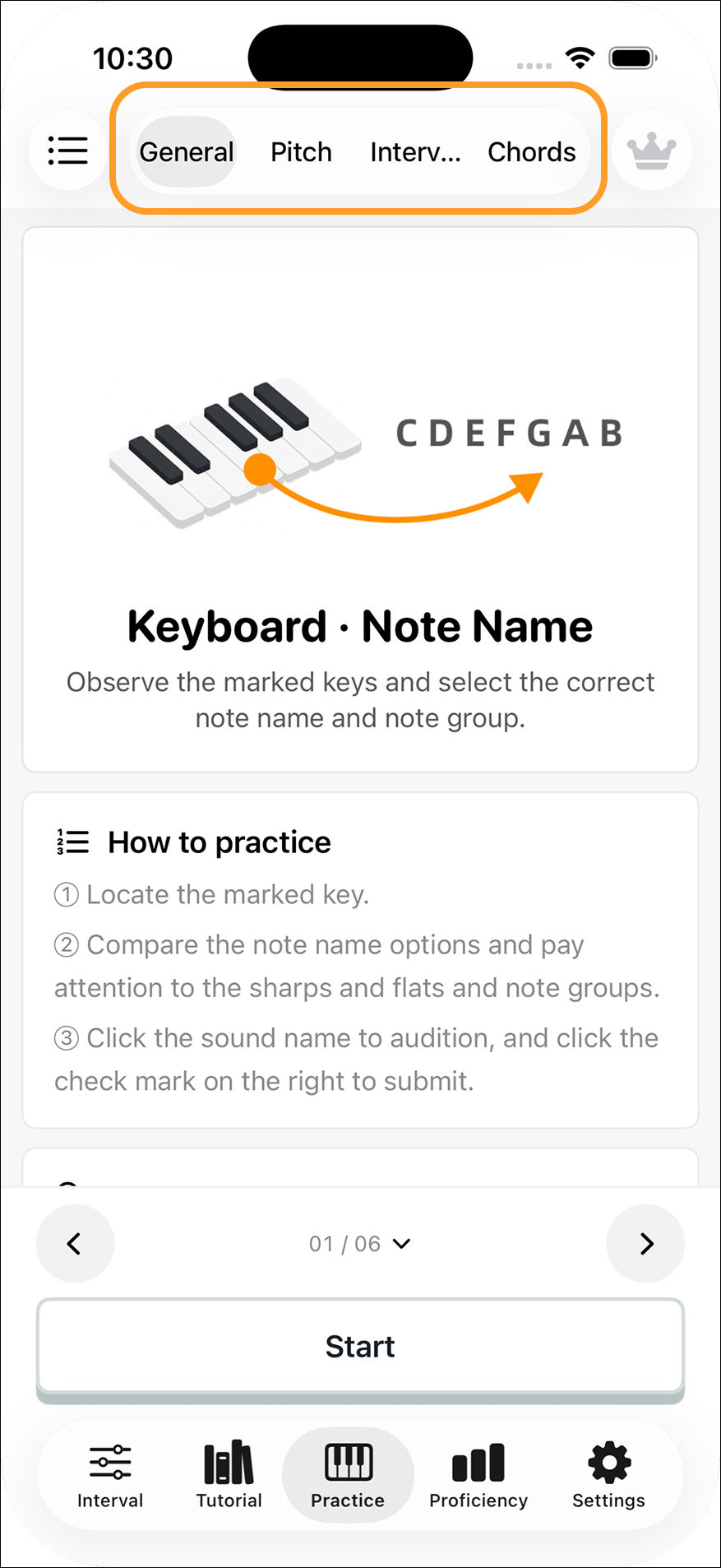
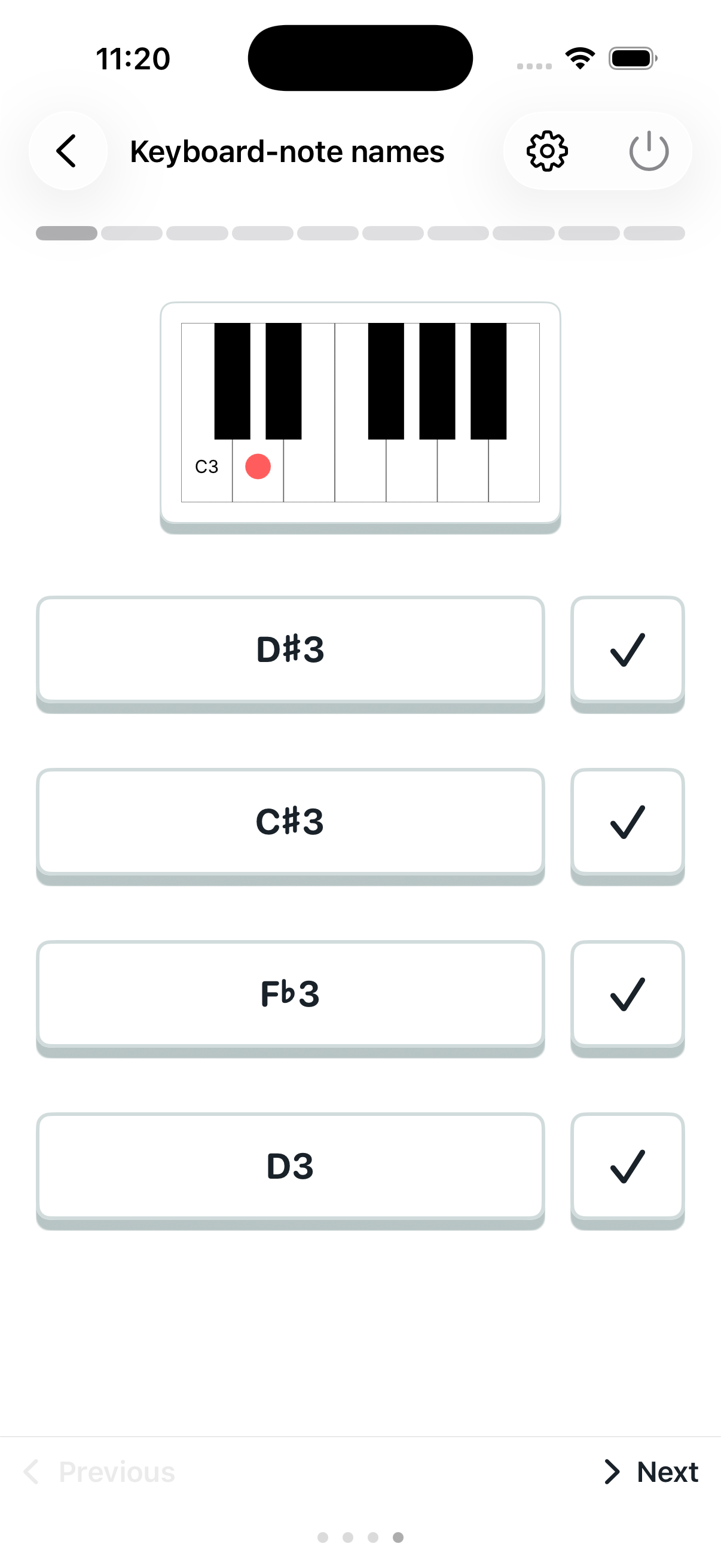
Practice with a purpose
Choose your focus
Start with keyboard and note names, concentrate on one interval family, train single pitch or recognize chords by sight and sound.
Set the range
Choose question count and the notes, octaves or intervals you want to study. Use random questions or let proficiency scores put more weight on weaker items.
Read your progress
Radar charts show note and interval proficiency. Compare roots and intervals to find specific relationships that need practice.
Start with the guide
Get started with Genchord Practice
Understand how exercises, results and proficiency scores work together.
How to choose a practice exercise
Pick a skill, find the right question type and set a useful range.
Practice exercise types
Compare all 15 question formats, from note names to chord sounds.
Understand note proficiency
Use the radar chart and keyboard to find notes that need practice.